Your timetable, live on your own website
Copy one snippet, paste it into any site, and your timetable, plans or gift cards appear there and stay up to date. Visitors book on your booking pages, and every enquiry lands in your pipeline.
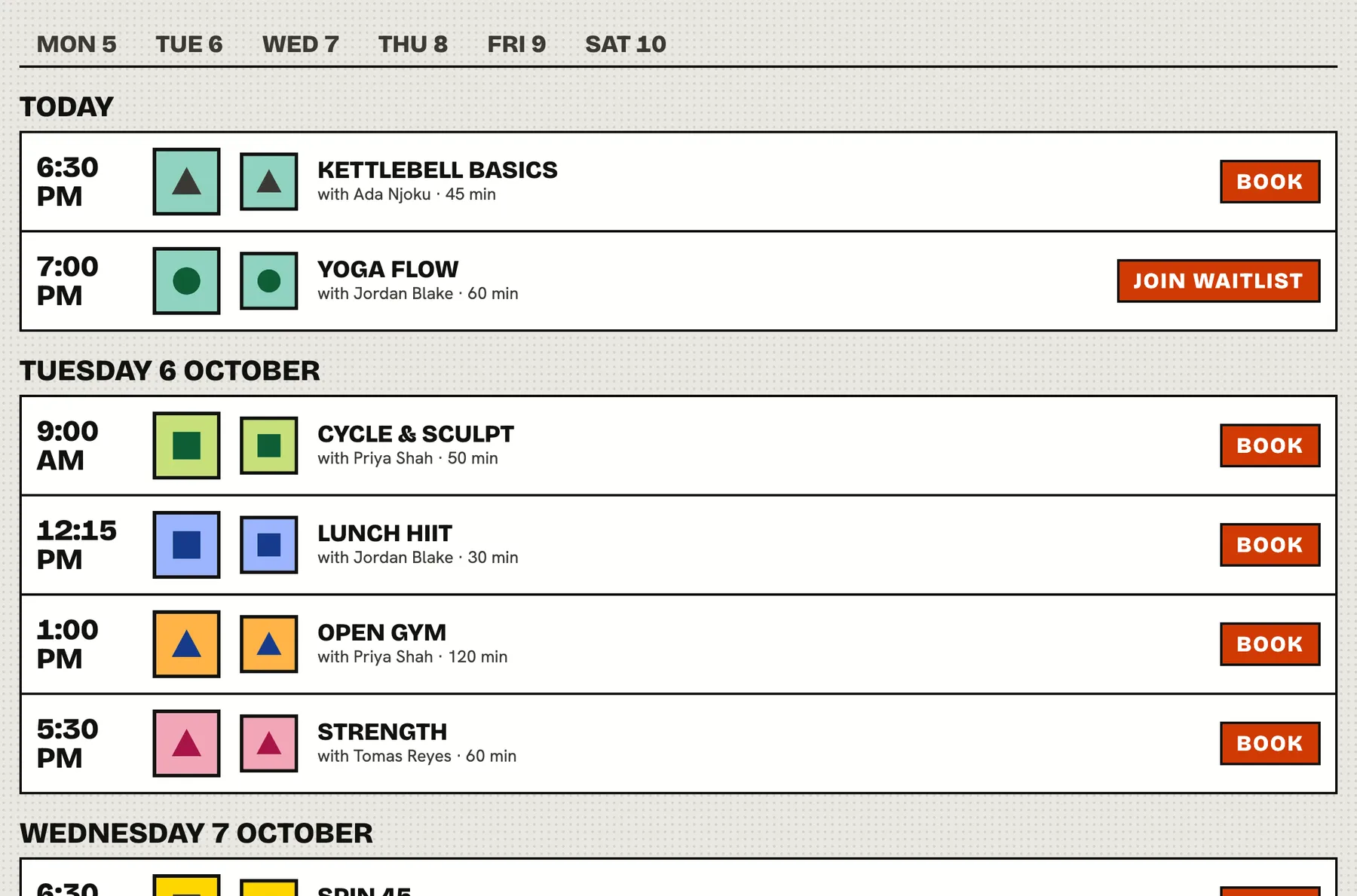
A website that shows last term's timetable sends people to the competition.
One script, any website
Settings has an embed builder. Choose a widget, choose the location, optionally set your brand colour, and copy the code. It works on any site that lets you paste a snippet, with no plugin needed.
- Timetable: classes by day, so visitors see what is on
- Memberships: your plans, each linking to your join page
- Studio overview: next classes, plans and links in one compact block
- Gift cards and a Book now button
Always current
Widgets read your live data. Add a class, change a plan or cancel a session and the website shows it, with nothing to republish.
- Choose how many days of timetable to show
- Limit the rows in a plan list
- The frame resizes itself to fit the content
- Light or dark, with your own accent colour
Built to be framed
Widgets are anonymous and need no login or cookies, so they work everywhere, including browsers that block third party cookies. Booking, choosing a plan and buying open your normal studio page in a new tab, where the member signs in or joins.
- No tracking cookies set by the widget
- Prefer plain HTML? Copy an iframe instead of the script
- The Book now button needs no frame at all
An enquiry form that feeds your pipeline
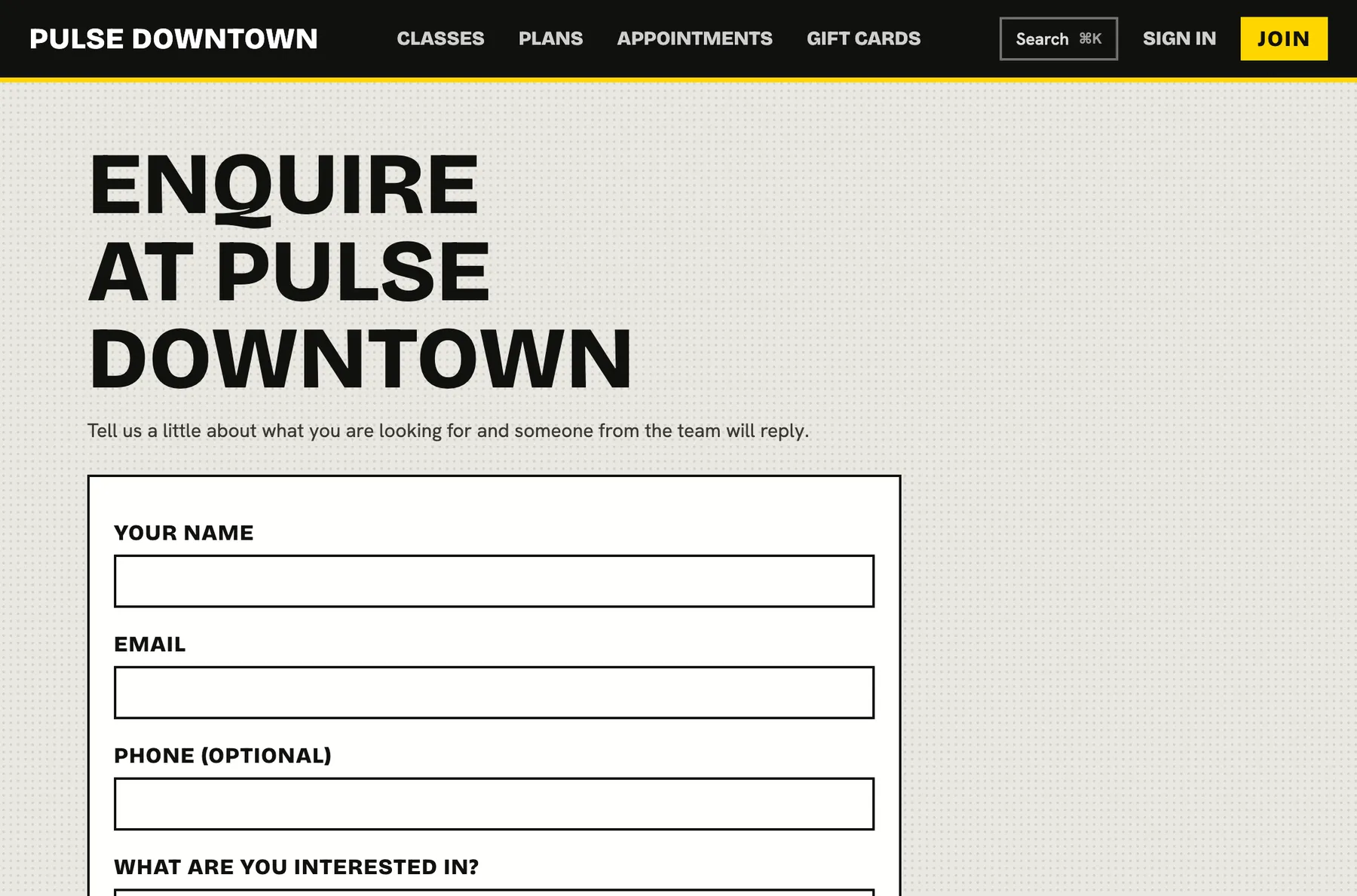
The enquiry form can be framed on any page too. Every submission becomes a lead with its source and location, so your team can follow up and see what converts.
- Spam protection built in
- Interests offered from your plans and class types
- Pairs with leads and automations
Getting it on your site
-
Step 1
Open the embed builder
In settings, choose a widget and the location.
-
Step 2
Match your brand
Set an accent colour and preview it.
-
Step 3
Copy and paste
Paste the snippet where you want it to appear.
-
Done
It stays up to date
Edit your timetable here and the website follows.
Works together with
Questions
Do I need a developer?
No. If your website lets you paste an HTML snippet, you can add a widget. The builder gives you the exact code.
Can I use it with several locations?
Yes. Choose the location when you build the snippet and add one widget per location.
Will it match my brand?
You can set an accent colour and choose light or dark. The button and widgets use it.
Can visitors book inside the widget?
Booking, joining and buying happen on your studio page, which opens in a new tab. That keeps sign in and payment secure.
Do I need a website at all?
No. Every location also gets its own booking page with the same timetable, plans and enquiry form.