Software for pilates studios that fill every reformer
Small classes live and die by the waitlist. Bookings, class packs, memberships and late-cancel rules run themselves, so the instructor teaches and the front desk stays calm.
What gets in the way
- Empty reformers, long waitlists
- A cancellation at 7am should fill by 7:05. The waitlist promotes the next person automatically and tells them, so the reformer does not sit empty.
- Packs that expire unnoticed
- Class packs carry valid-for days, and plans can roll over unused visits. Clients are reminded, so they use what they paid for and come back for more.
- One-to-one and group in one system
- Private sessions with a practitioner and group classes share one member record and one calendar. Rooms and equipment are booked so nothing clashes.
- Late cancels and no-shows
- Your cancellation window is applied by the system. A late cancel spends the visit and a fee can apply, without an awkward conversation at the desk.
What you run on it
- Scheduling Recurring reformer and mat classes with a capacity that matches your machines.
- Memberships and plans Class packs with valid-for days, limited and unlimited memberships, intro offers and rollover.
- Appointments Private sessions booked by the client from your availability, alongside group classes.
- Rooms and resources Rooms and equipment are bookable, so a private never collides with a group class.
- Payment recovery Failed card? We chase it until it is paid, and the client keeps coming.
- Member portal Clients book, cancel, see their pack and update their card without calling you.
- Notifications Booking confirmations and class reminders go out so fewer reformers sit empty.
- Waivers and forms Health and injury forms signed before the first class and stored with the client.
A morning at the studio
-
06:30
Doors open
The 7:00 class is full, with three on the waitlist. Nobody had to count heads to know.
-
06:48
A cancellation
A client cancels in time. The first person on the waitlist is booked in and notified, and a visit is returned to the one who cancelled.
-
07:00
Check-in
Clients are marked in as they arrive. A late cancel earlier in the week already carried its fee.
-
09:00
Private session
A client books their next one-to-one from their phone, from the times you have made available.
-
11:30
A pack runs low
A client's pack is nearly used. They are reminded and can buy another from their portal.
-
14:00
A card fails
The monthly membership payment is declined. A retry runs, a friendly link goes out, and the front desk never hears about it.
A schedule built around small classes
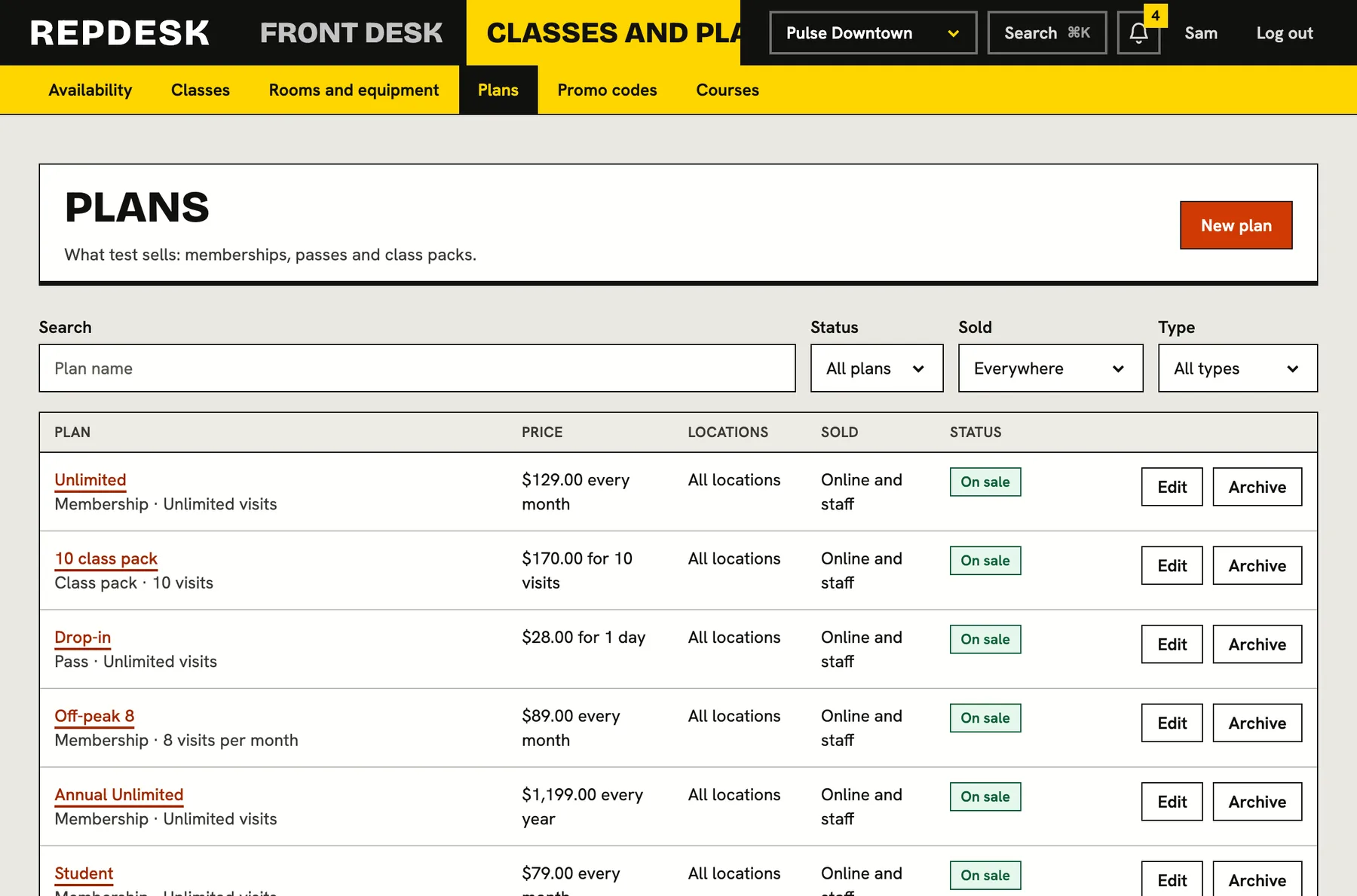
Set the capacity of each class, the instructor and the room. Clients see what is open and join the waitlist when it is not.
- Capacity per class
- Waitlist promotes automatically
- Recurring classes from one rule
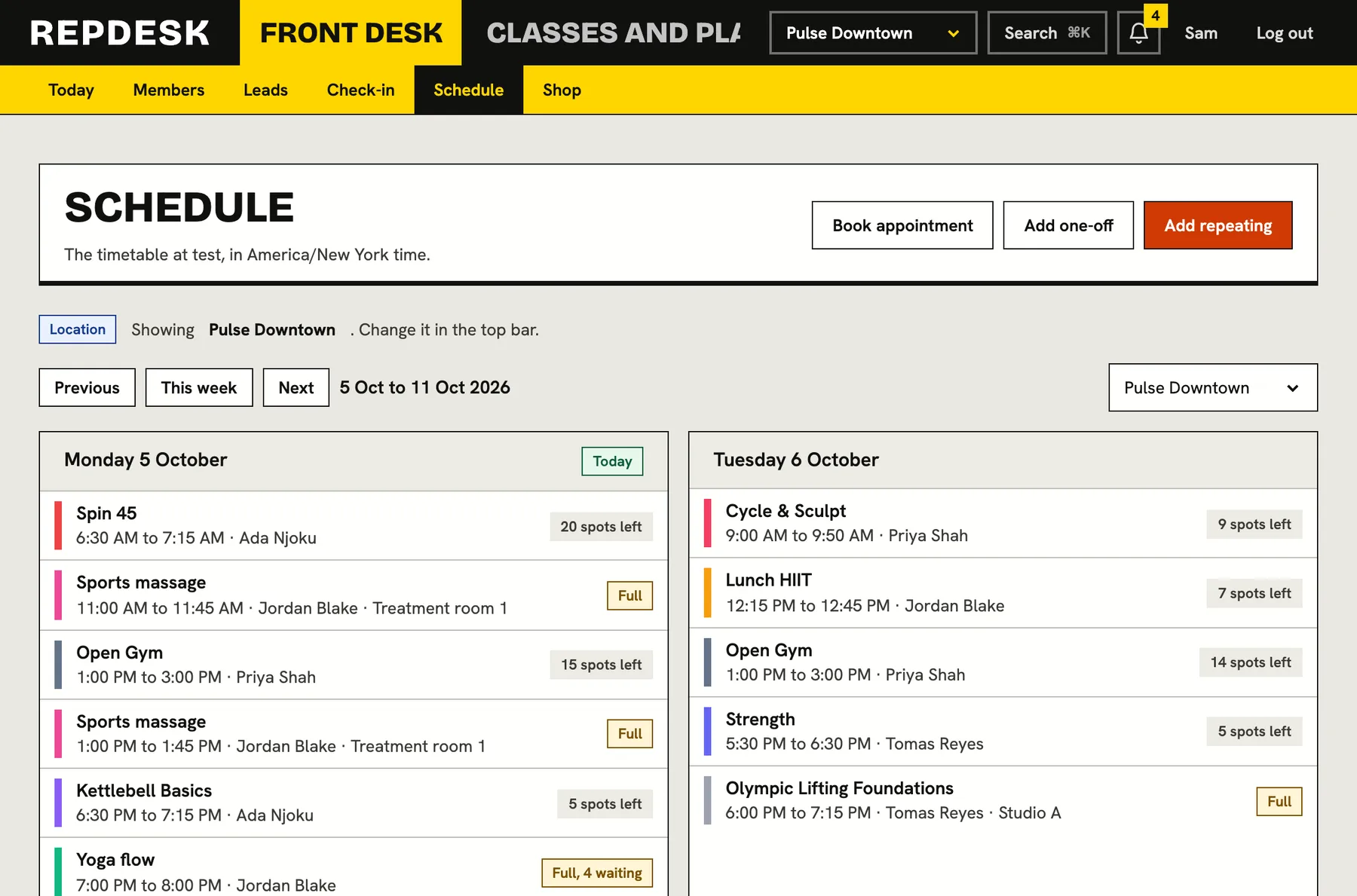
A roster you can trust
Each class shows who is booked, who is waiting and who has checked in. Late cancels and no-shows are recorded for you.
- Booked, waitlisted, checked in
- Late cancel and no-show status
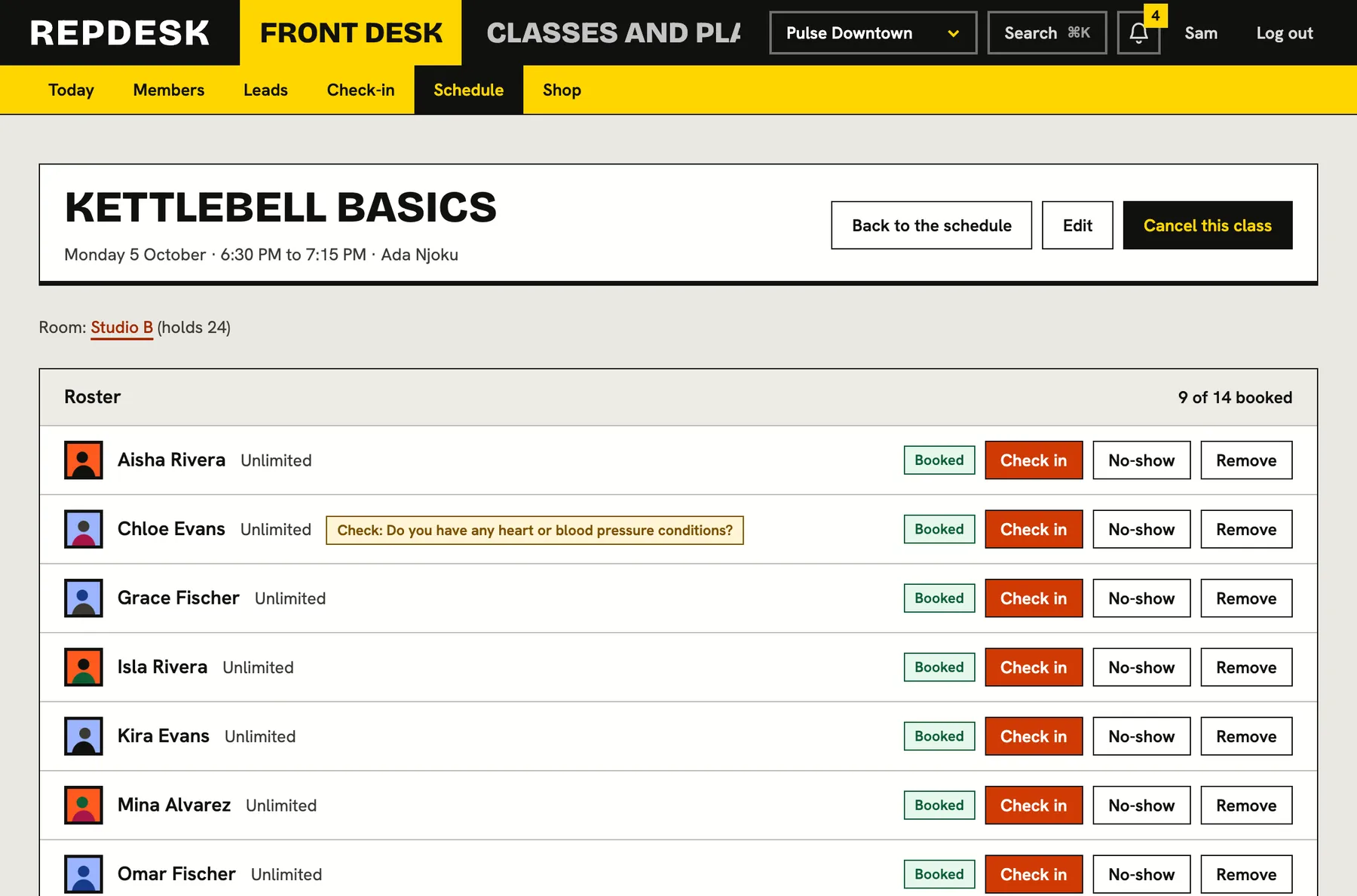
Packs and memberships that look after themselves
Build the plans you actually sell and let billing, expiry and renewal run without a calendar reminder on your phone.
- Valid-for days and rollover
- Intro offers and promo codes
Questions
Can I sell class packs and memberships?
Yes. Packs with valid-for days, unlimited and limited memberships, rollover, intro offers and promo codes.
How does the waitlist work?
When a spot opens, the next person on the waitlist is booked in and told. Nobody has to ring round.
What happens with late cancellations?
You set the cancellation window. Cancel in time and the visit is returned. Cancel late and the visit is spent, with a fee if you have set one.
Can I run private sessions as well as classes?
Yes. Appointments sit alongside classes on the same calendar and the same client record.
Are failed payments chased automatically?
Yes. Retries, reminders and the final action run on a schedule you control, and you can read every step.