Anything in two keystrokes
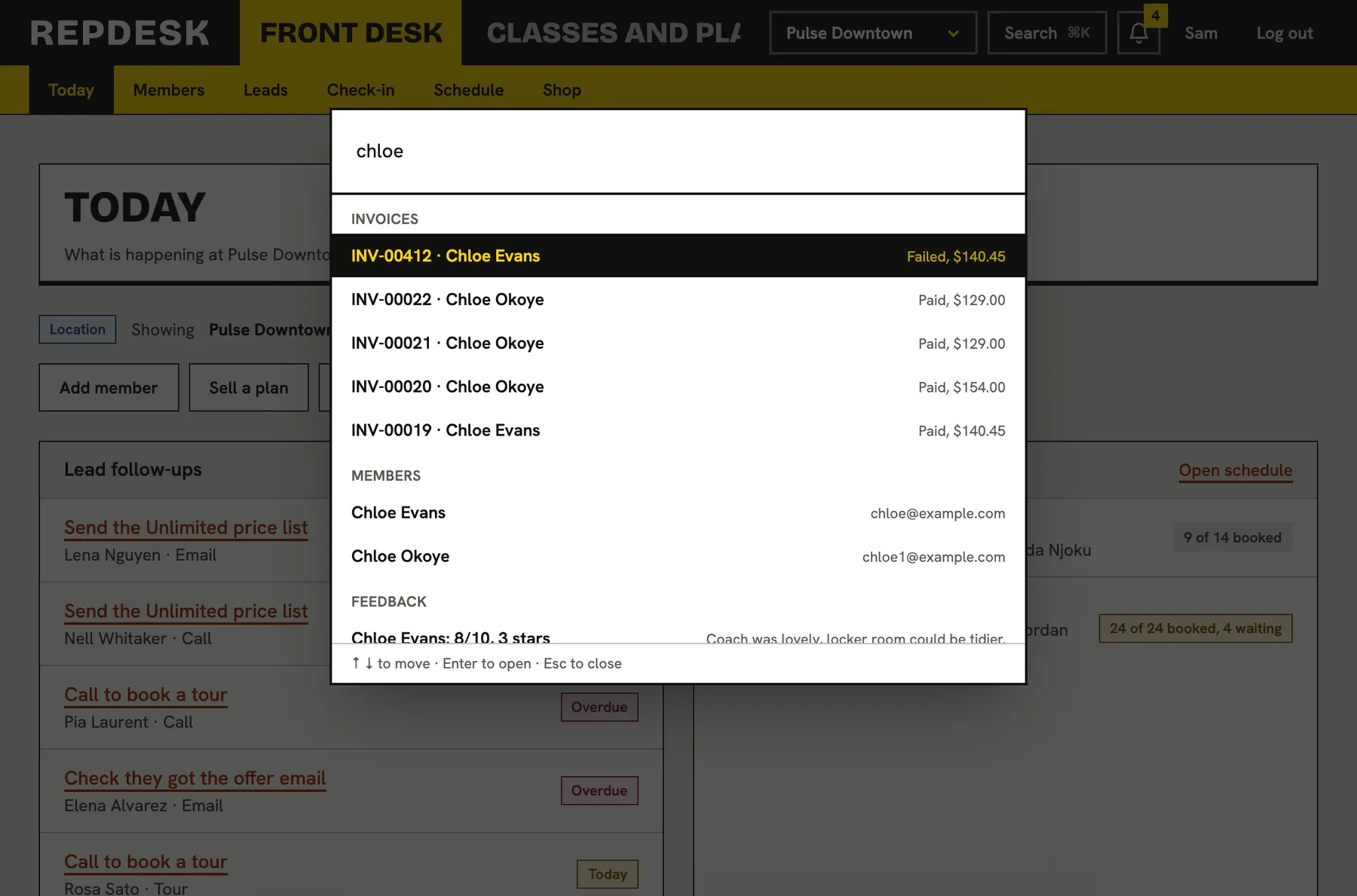
Press Cmd+K on a Mac or Ctrl+K on Windows and type. Find a member, a class or an invoice, open any screen, or start creating something, without touching the menu.
Software that takes six clicks to reach a member makes a busy front desk slower than a paper diary.
Find anyone or anything
Type two letters and results appear. Search covers the things people look up all day, in every location.
- Members by name, email or phone
- Classes, plans, promo codes, products and gift cards
- Invoices, leads, campaigns, forms and signatures
- Staff, locations, rooms, referrals and feedback
Go to any screen
Every page your role can open is a command. Ask for the failed payments, the leads board, the tax report or your tasks and you are there.
- Only shows what your role allows
- Shortcuts for common views, like overdue payments or signatures expiring
- Open your studio's public page or the customer portal
Create without hunting
Start the thing you were about to do, straight from the keyboard.
- New member, lead, plan, promo code, product or gift card
- Add a one off or repeating class, book an appointment, add availability
- New campaign, new form, invite a team member, add a location, import members
Fast, and made for the keyboard
Type to filter, use the arrow keys, press Enter to go and Esc to close. The palette remembers what you used recently. Members get one in their portal too.
- Switch location or show all locations
- Toggle dark mode or sign out
- A visible Search button for anyone who prefers a mouse
Checking someone in a hurry
-
Press
Cmd+K or Ctrl+K
The palette opens from anywhere in the back office.
-
Type
A name or phone number
Matching members appear as you type.
-
Enter
Open their record
See their memberships, notes and history.
Works together with
Questions
Does it show things my role cannot do?
No. Commands and search results are checked against the person's role, so staff only see what they may open.
Does it search every location?
Search finds records everywhere in your business. The location switcher is itself a command.
Is there a version for members?
Yes. The portal has one too, with their own pages and your studio's links.
Do I have to use the keyboard?
No. There is a Search button, and the normal menu works as always.
How many results show?
A handful from each area, up to forty in total, so the list stays quick to scan.