Pay instructors from what really happened
Set each instructor's rate once. At the end of the period, the pay run adds up every class they taught and what it earns, and hands you a CSV for whoever does the paying.
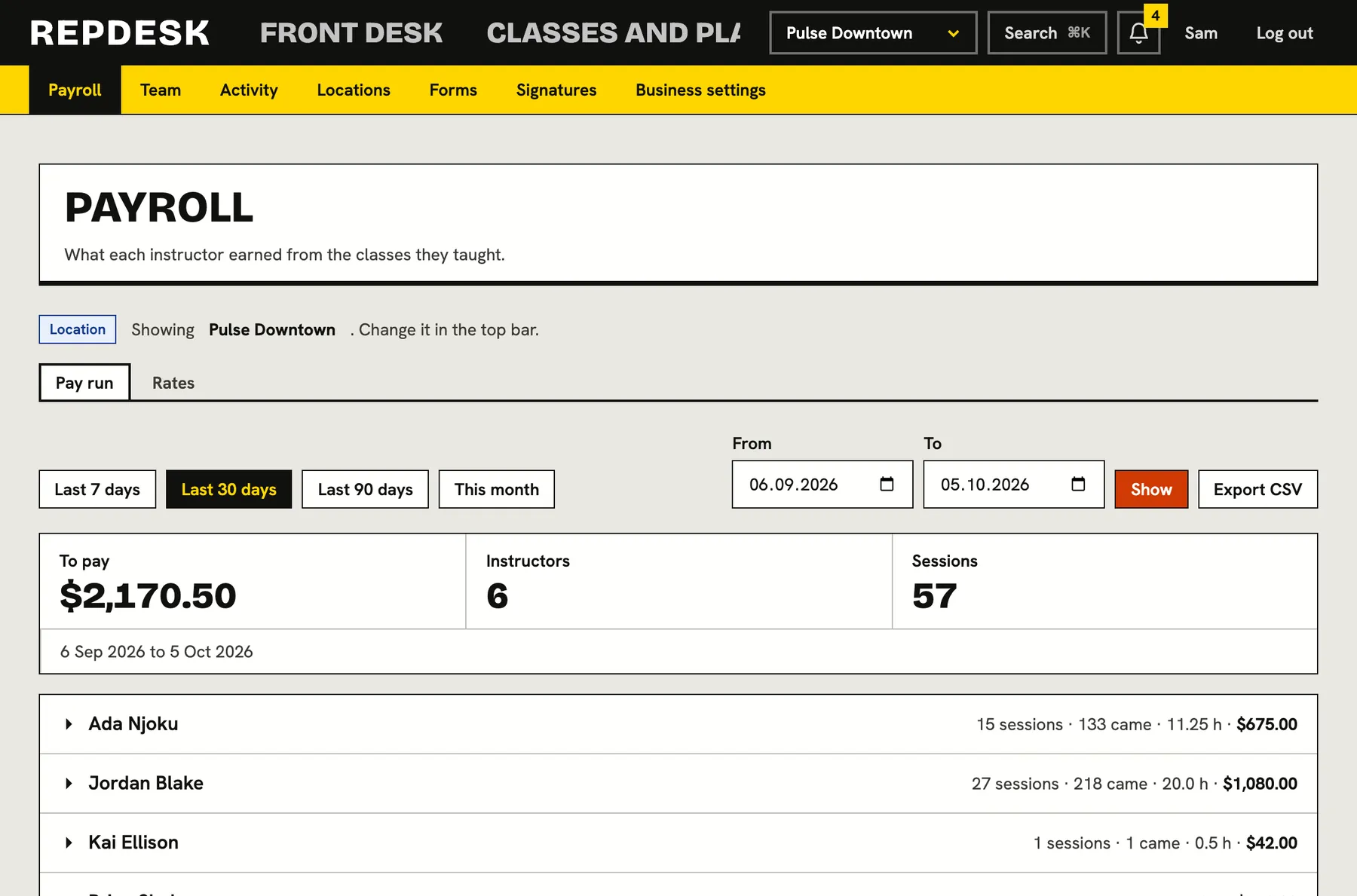
Counting classes by hand at month end, chasing who taught what, and hoping nobody was missed.
Four ways to pay, set per instructor
Give each instructor a default rate, then override it for a specific class type. Pay by the class, by the person who came, by the hour, or as a percentage of what customers paid.
- Per class, per person attending, per hour, or percent of takings
- A default rate for each instructor
- A different rate for a particular class where you need one
- Change or remove a rate any time
A pay run from finished classes
Choose a period and see each instructor with their sessions, headcount, hours and pay. Every class is listed with its date, how many came, the rate applied and what it earned.
- Presets for the last 7, 30 or 90 days, this month, or your own dates
- Counted from classes that actually completed
- Total to pay across all instructors
- Narrow the run to one location
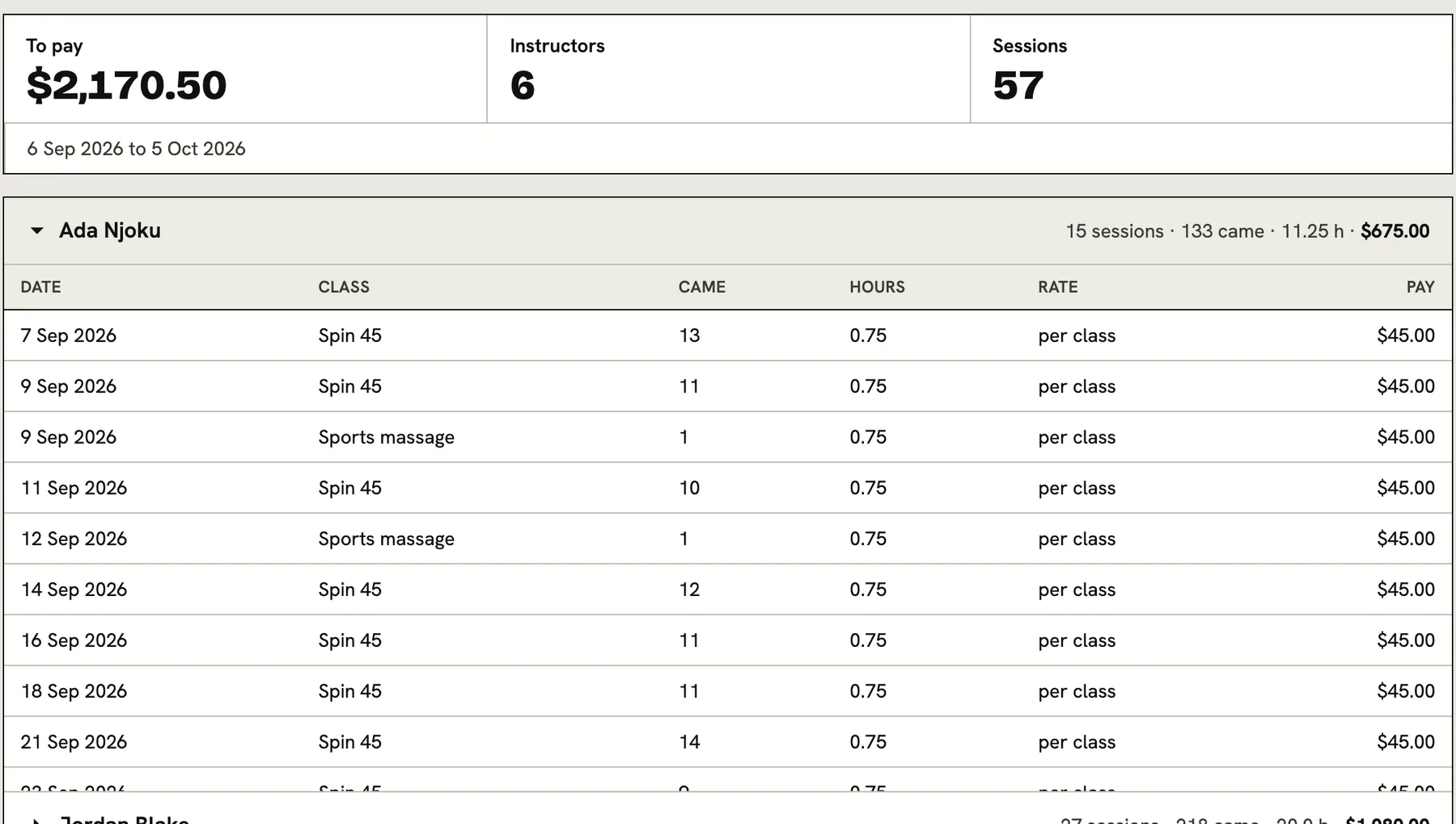
Nothing goes unpaid by being missed
If someone taught a class and has no rate set, they still appear with the sessions and a clear flag that no rate was found. Pay is not silently left at zero.
- Sessions with no rate are flagged and shown
- Set the missing rate and the run updates
- Percent pay ignores refunded bookings
A spreadsheet for whoever pays
Export the run as a CSV with one row per session taught. Hand it to your accountant or load it into the system you pay from. Each export is recorded in the activity log.
- Instructor, date, class, attended, hours, takings, rate and pay
- Matches what is on screen for the period you chose
- Formula-looking names are defused so a spreadsheet cannot run them
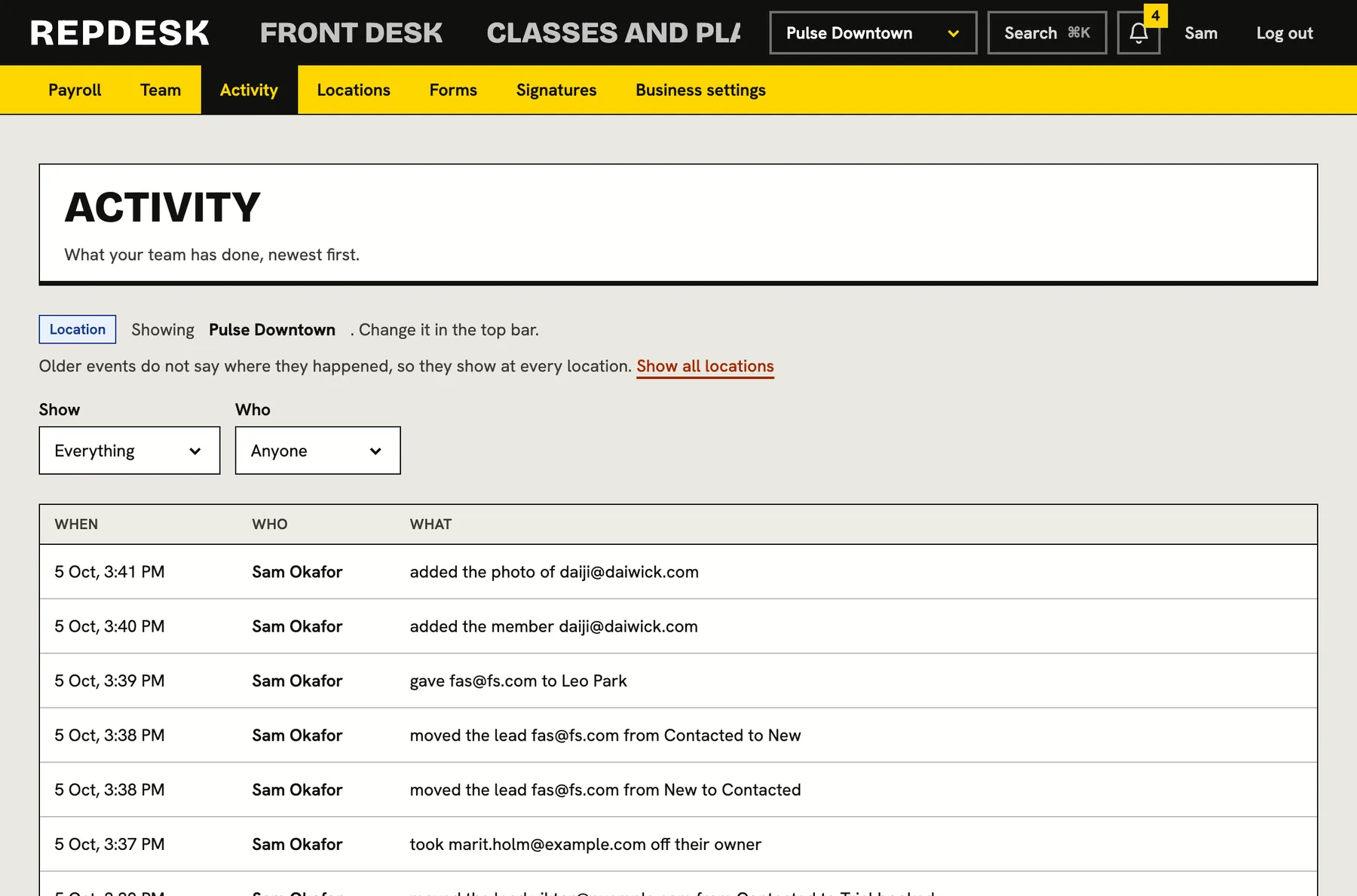
Kept to the people who should see it
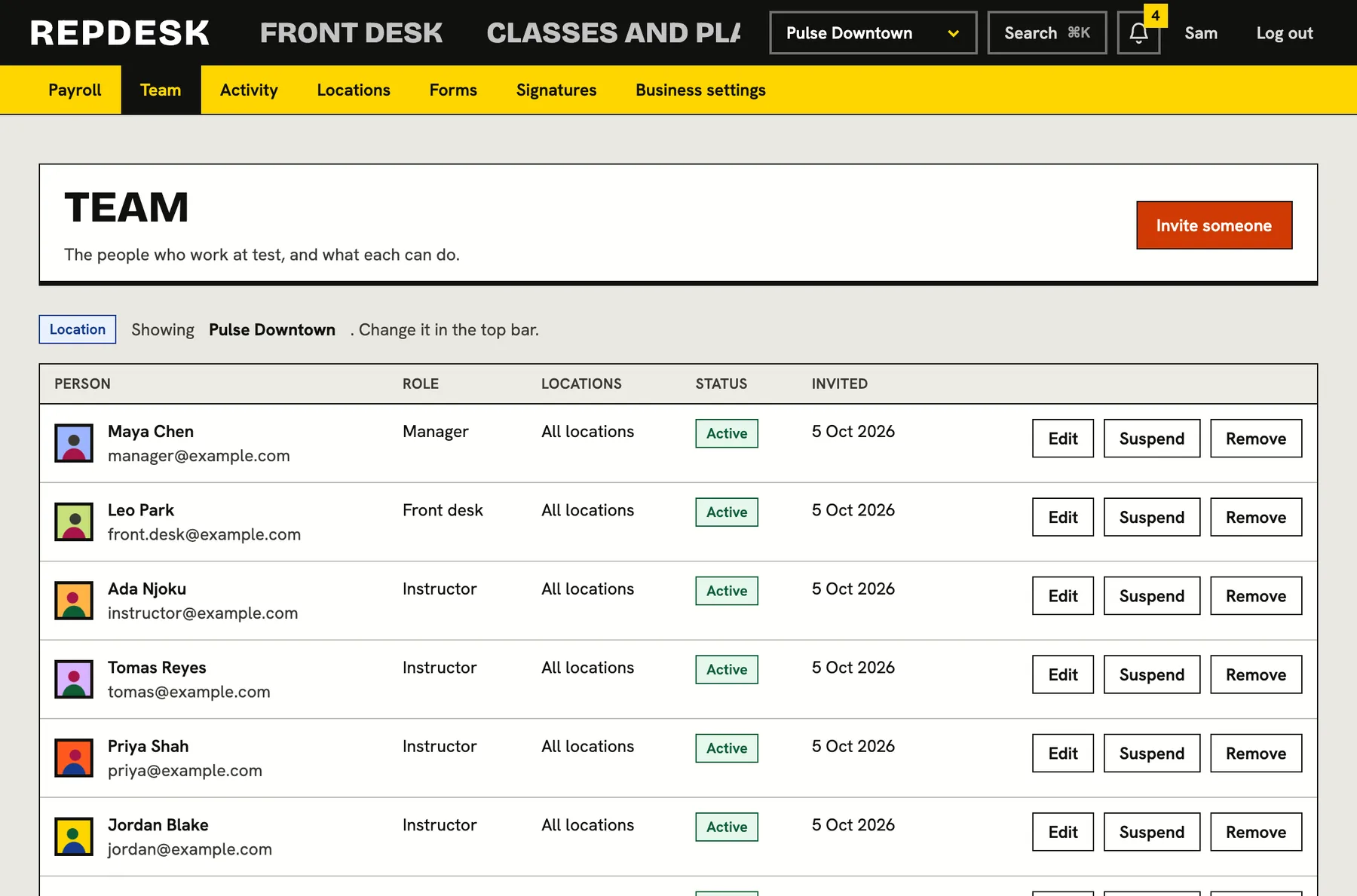
Pay rates and the pay run are for the business owner. No staff role is given them by default, so pay stays private.
- Owner only access to rates and the pay run
- Every export logged
Running payroll
-
Once
Set rates
A default rate for each instructor, and overrides for particular classes.
-
Every period
Open the pay run
Pick the dates, and optionally a location.
-
Check
Look over the sessions
Every class, headcount and amount is listed, and any missing rate is flagged.
-
Pay
Export the CSV
One row per class taught, ready for whoever makes the payments.
Works together with
Questions
Does the software pay my instructors?
No. It works out what each person earned and gives you the CSV. The paying itself is done wherever you already do it.
Can I pay different rates for different classes?
Yes. Give an instructor a default and override it for specific class types.
What counts as a class taught?
Classes marked completed in the chosen period.
Can managers see payroll?
No. Rates and the pay run are owner only.
Can I run payroll for one location?
Yes. The run follows your location switcher or a location you choose on the page.