Run every location from one login
Add each studio, club or site to the same business and switch between them from the top bar. Timetables, rooms, members, check-in and forms follow the location you are in, and your team only sees where they work.
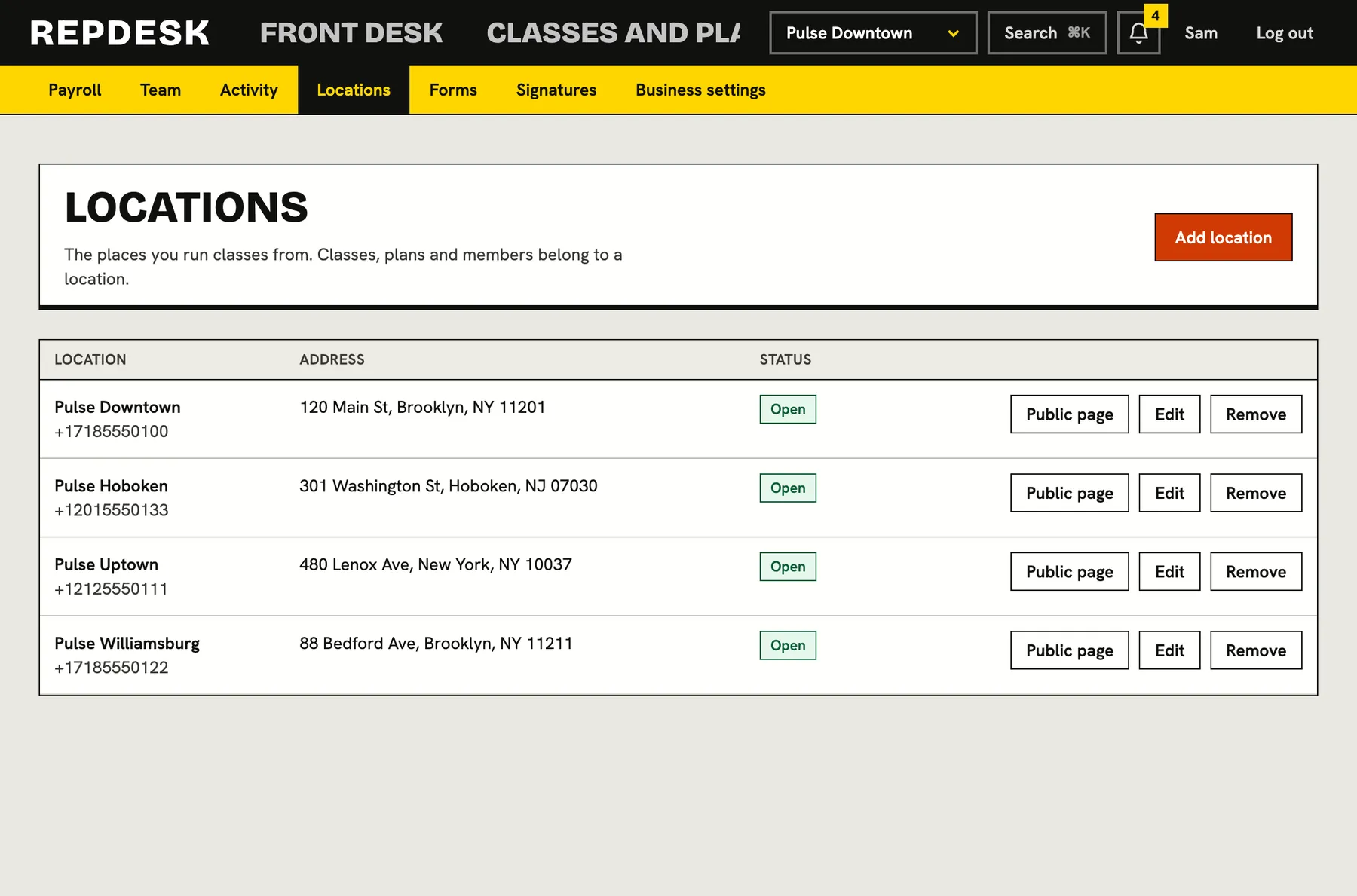
Running a second site with the tools built for one means two logins, two lists of members and no real picture of the whole.
Every location, properly described
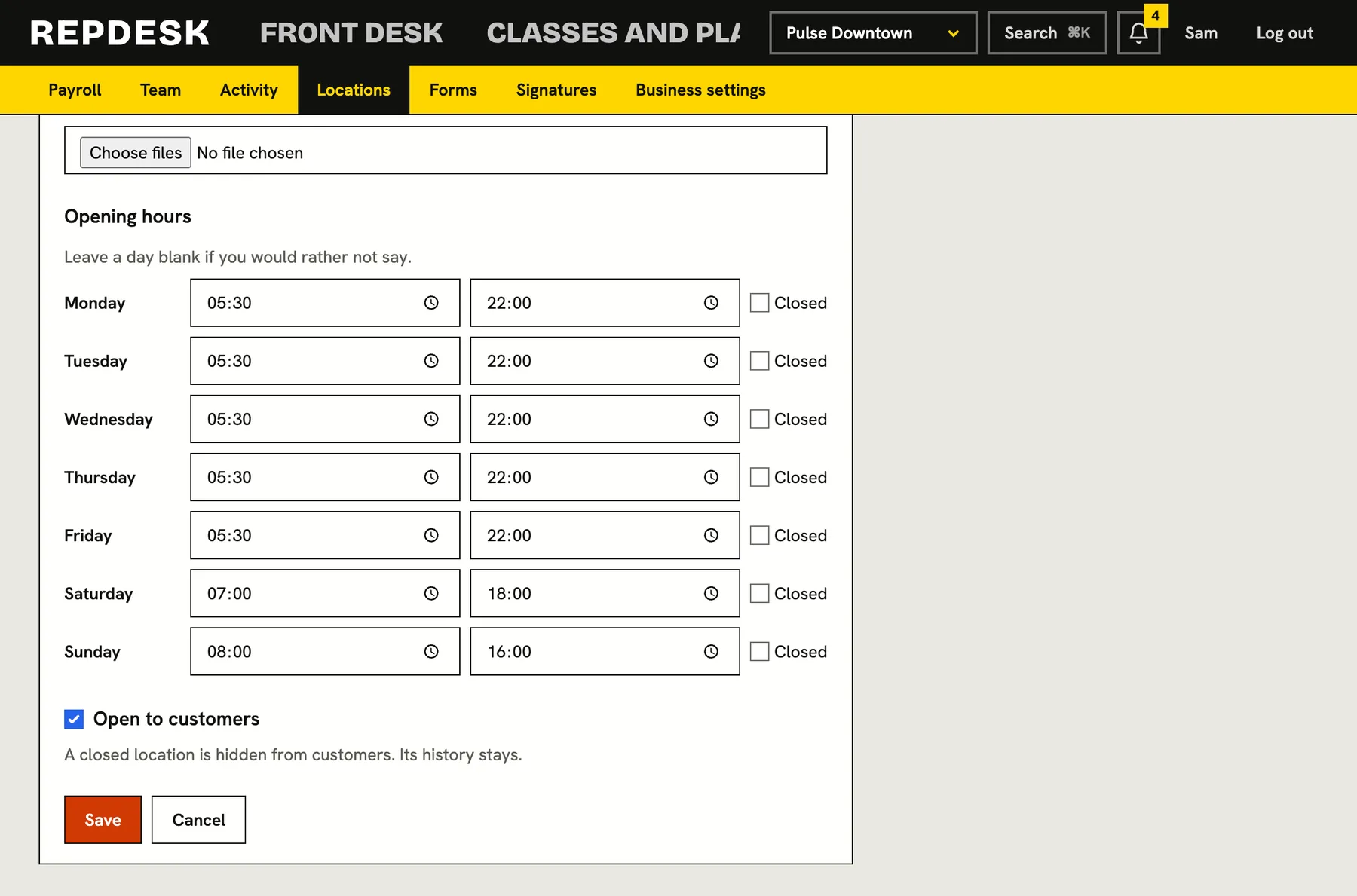
Each location has its own name, address, contact details, logo, cover picture and gallery, and its own opening hours for every day of the week. Customers see the right details on that location's page, and closed days are shown as closed.
- Opening hours by day, with closed days and days you would rather not say
- A gallery of pictures for each location
- Open or closed to customers with a tick
- Only the owner adds, changes or closes locations
Switch place, switch everything
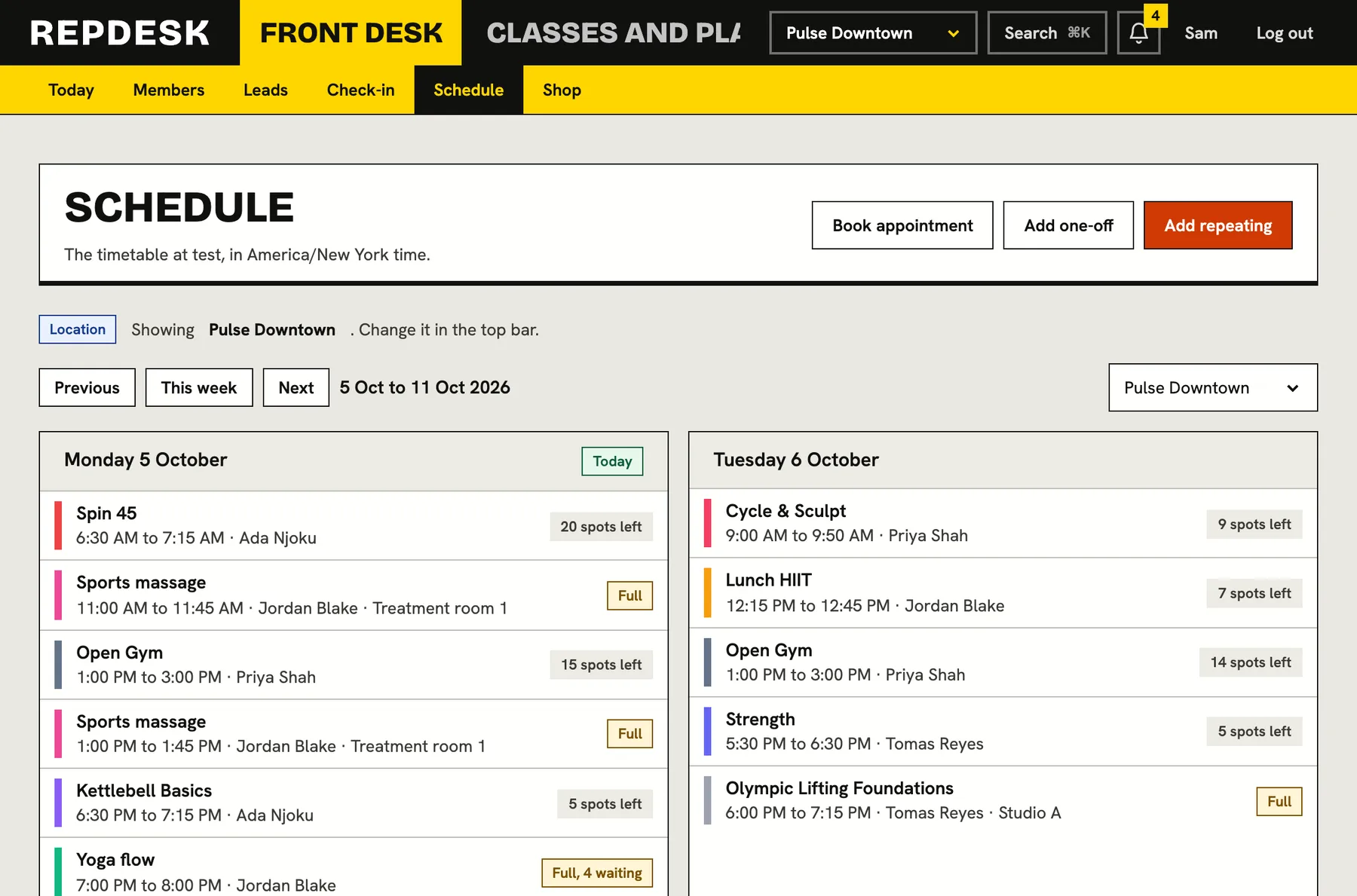
The location switcher in the top bar sets the working location. The schedule, today view, members, check-in, rooms, forms and team lists all narrow to it. Any list can also be filtered to a chosen location or shown across all of them when you want the big picture.
- Today shows what is happening at the location you are in
- Classes can be limited to the locations where they are held
- Rooms and equipment belong to one location each
- Every member has a home location
Staff see their own sites and nothing else
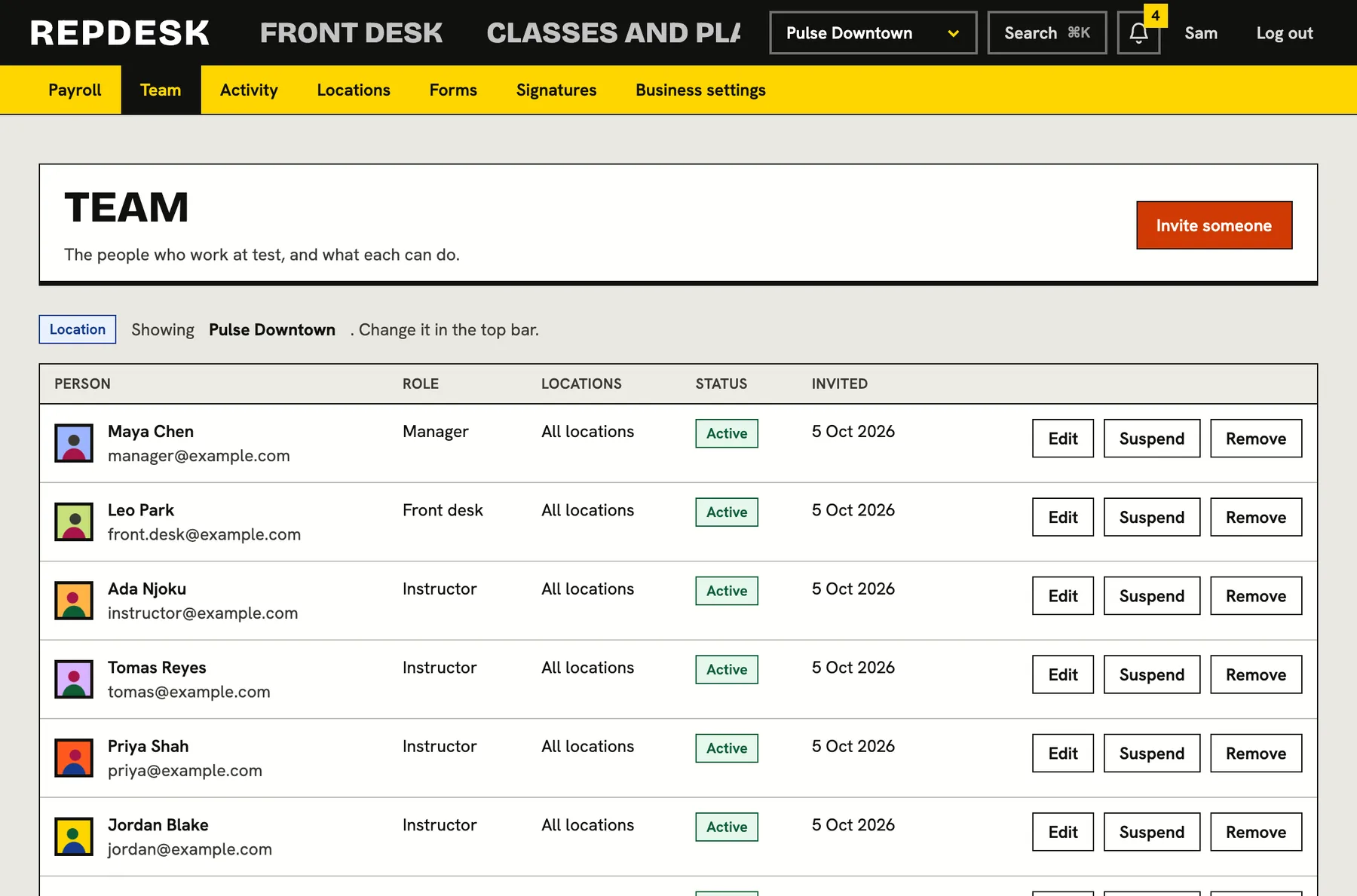
When you invite someone, you choose which locations they work at. A person limited to one site sees that site's schedule, members, check-in and team, and a record from a site they do not work at simply is not found.
- Invite staff to all locations or to a chosen few
- The team list shows who works where
- Activity can be filtered by location
- A manager at one site cannot wander into another
Closing a site never loses its history
A location that still has classes, members or bookings tied to it is closed to customers rather than deleted, so every record stays whole. A location that never had any is removed cleanly.
- Closed locations disappear from customer pages
- Past classes, attendance and members keep their location
- The action is written to the activity log
What happens when you open a second location
-
Step 1
Add the location
Give it a name, an address, opening hours and pictures.
-
Step 2
Add its rooms and classes
Rooms belong to the location, and classes can be limited to where they are held.
-
Step 3
Invite the team
Choose which locations each person may work at.
-
Step 4
Switch and run
Pick the location in the top bar and everything on screen follows.
Works together with
Questions
Can I see all my locations at once?
Yes. Lists such as the schedule can be set to all locations as well as to one.
Can a member visit another location?
Every member has a home location, and each class can be limited to the locations where it is held. Check-in finds the class that is on at the location where the member arrives.
Can I give one location its own forms?
Yes. A waiver or form can apply to every location or only to the ones you choose.
Does each location have its own public page?
Yes. Each location has its own page for customers with its details, hours and gallery.