A booking site for every location
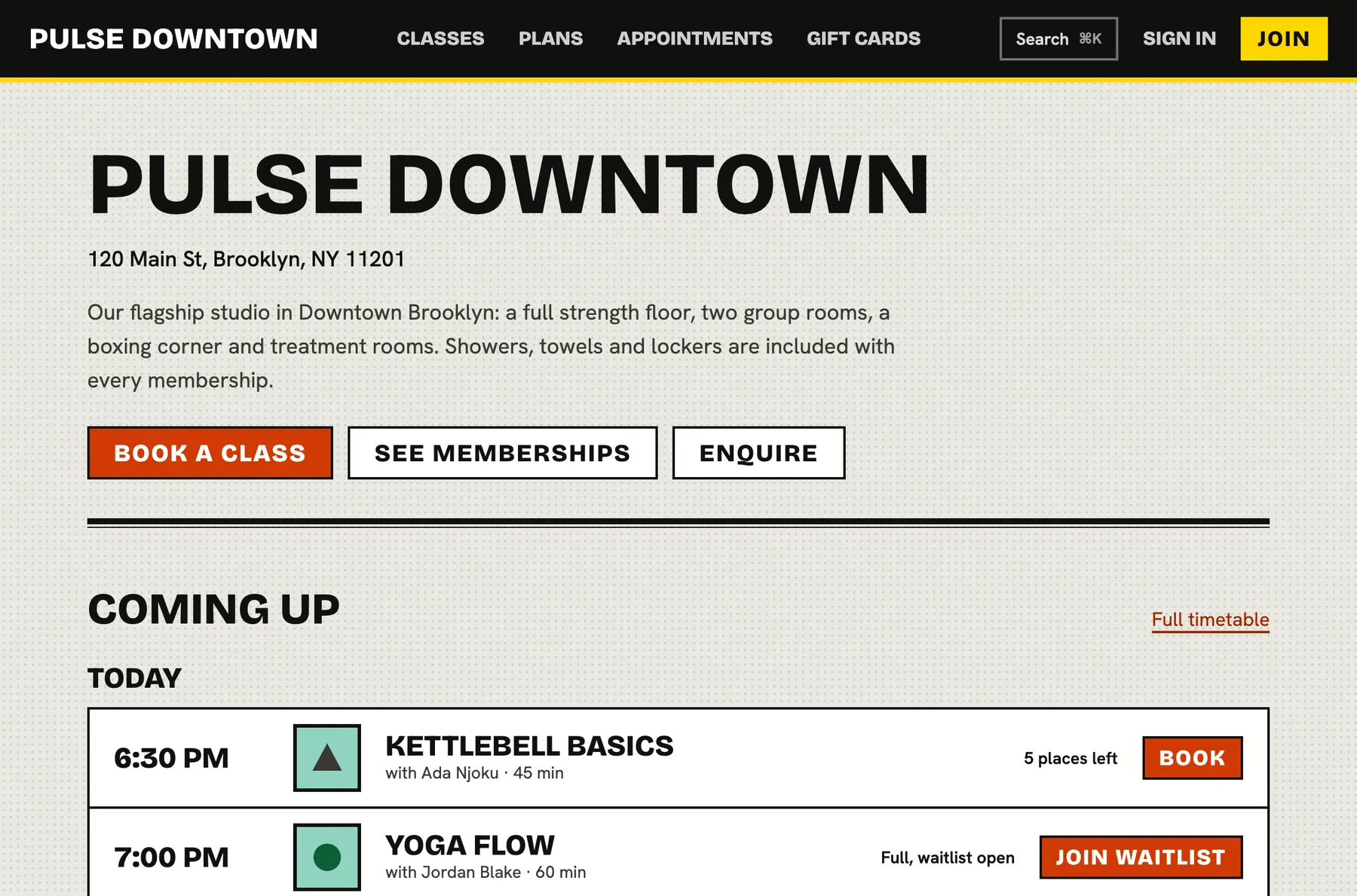
Each location gets its own public page with the timetable, plans, appointments, gift cards and an enquiry form, built to be found on search engines. Link to it from everywhere and members can go from curious to booked in a minute.
A great studio with a hard to find, hard to book website quietly turns people away.
Everything a visitor needs, on one page
The page shows who you are, where you are and what is on this week. Book a class, see the memberships, ask a question or buy a gift card without leaving it.
- A coming up preview with a link to the full timetable
- Memberships with prices, linking to a join page
- One to one appointments with a booking flow
- Gift cards and an enquiry form
Looks like you, on any phone
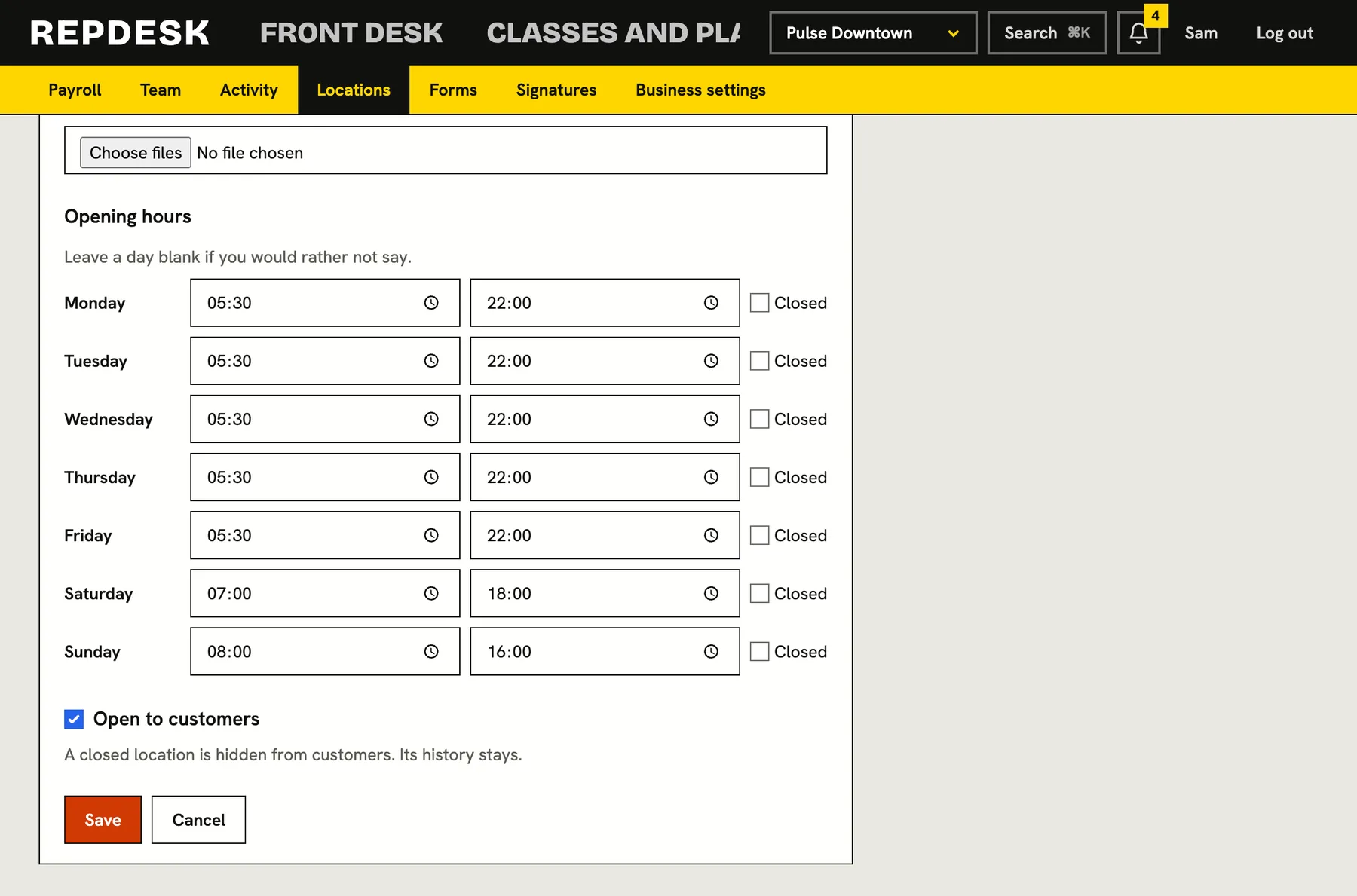
Add a cover image, a gallery of photos, a description and your opening hours from the location settings. The page is laid out for phones first, because that is where people book.
- Photo gallery you upload from the location settings
- Opening hours by day, with closed days
- Address and a Get directions link
- Phone and email shown for the location
Found by the people nearby
Every location page has its own title, description and structured data about the business, address and contact details, so search engines understand what and where you are. Pages behind a login are kept out of search.
- Titles and descriptions built from your location details
- Cover image used when the page is shared
- Approved member reviews add rating data when you have them
Bookable from one place
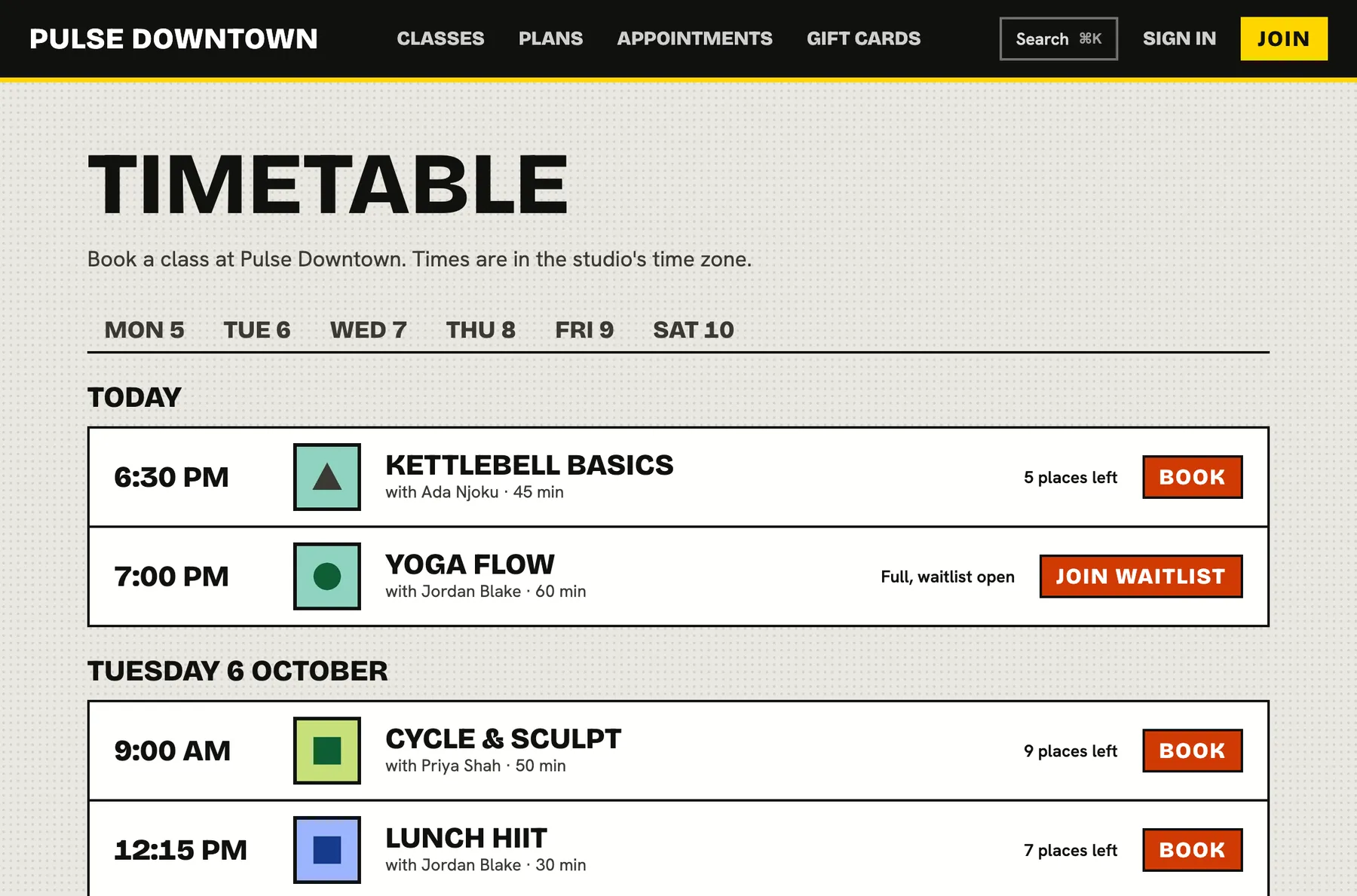
The timetable lets members book in a few taps, and plans lead into a short purchase flow. New customers can create an account along the way and returning ones are signed in.
- Full timetable by day with spots left
- Plan pages with a clear join button
- Members see their own bookings highlighted
Getting your page live
-
Step 1
Add your location
Name, address, contact details and a line about you.
-
Step 2
Make it yours
Cover image, photos and opening hours.
-
Step 3
Publish your timetable and plans
Plans you sell online appear on the page automatically.
-
Step 4
Share the link
Put it in your social bios, your emails and your online listings.
Works together with
Questions
Do I need my own website?
No. Your location page works as a complete booking site. If you do have a website, add widgets or a Book now button that links here.
Does every location get a page?
Yes. Each location has its own page, address, hours, photos and timetable.
Can I choose which plans show?
Yes. Only plans you have set to be sold online at that location appear.
Is it good for search?
Pages are indexed with titles, descriptions and structured data. Results depend on your area and competition, as with any site.
Does it work on phones?
Yes. It is designed for small screens first.