Members who sort themselves out
Bookings, memberships, billing, forms and referrals all live in one portal that members can open on any phone. They pause, cancel, update a card and download a receipt without calling you.
Half the calls to your front desk are things members could do themselves, if they could.
A home that shows what matters
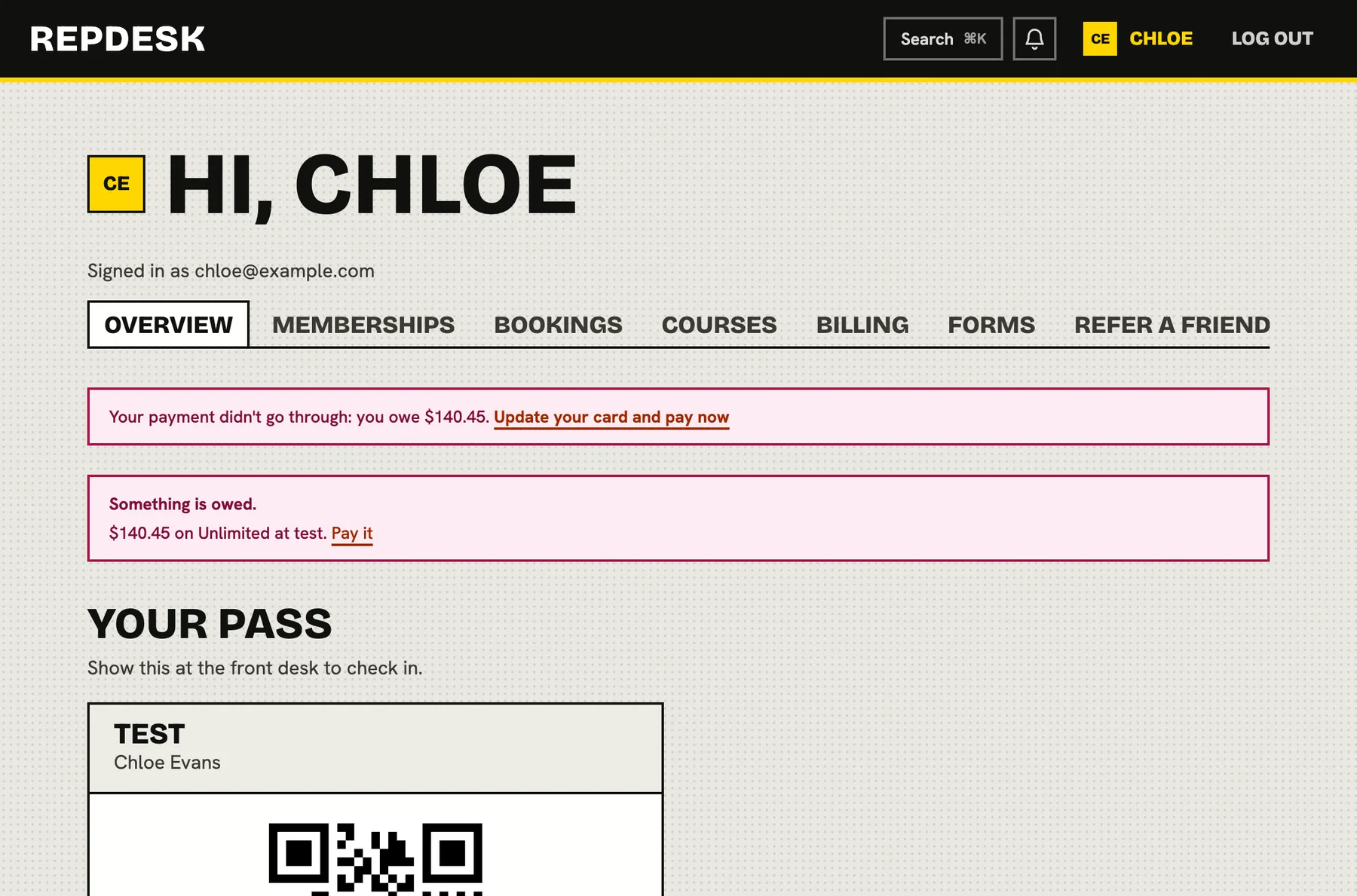
The overview greets the member with their pass and QR code to show at the desk, their memberships and next payment, and what they have coming up. If something is owed, it says so and offers a button to pay.
- A pass to scan at check-in, with a code the desk can read if scanning fails
- Memberships with status and next payment
- Upcoming bookings at a glance
- A clear prompt when a payment needs attention
Bookings under their control
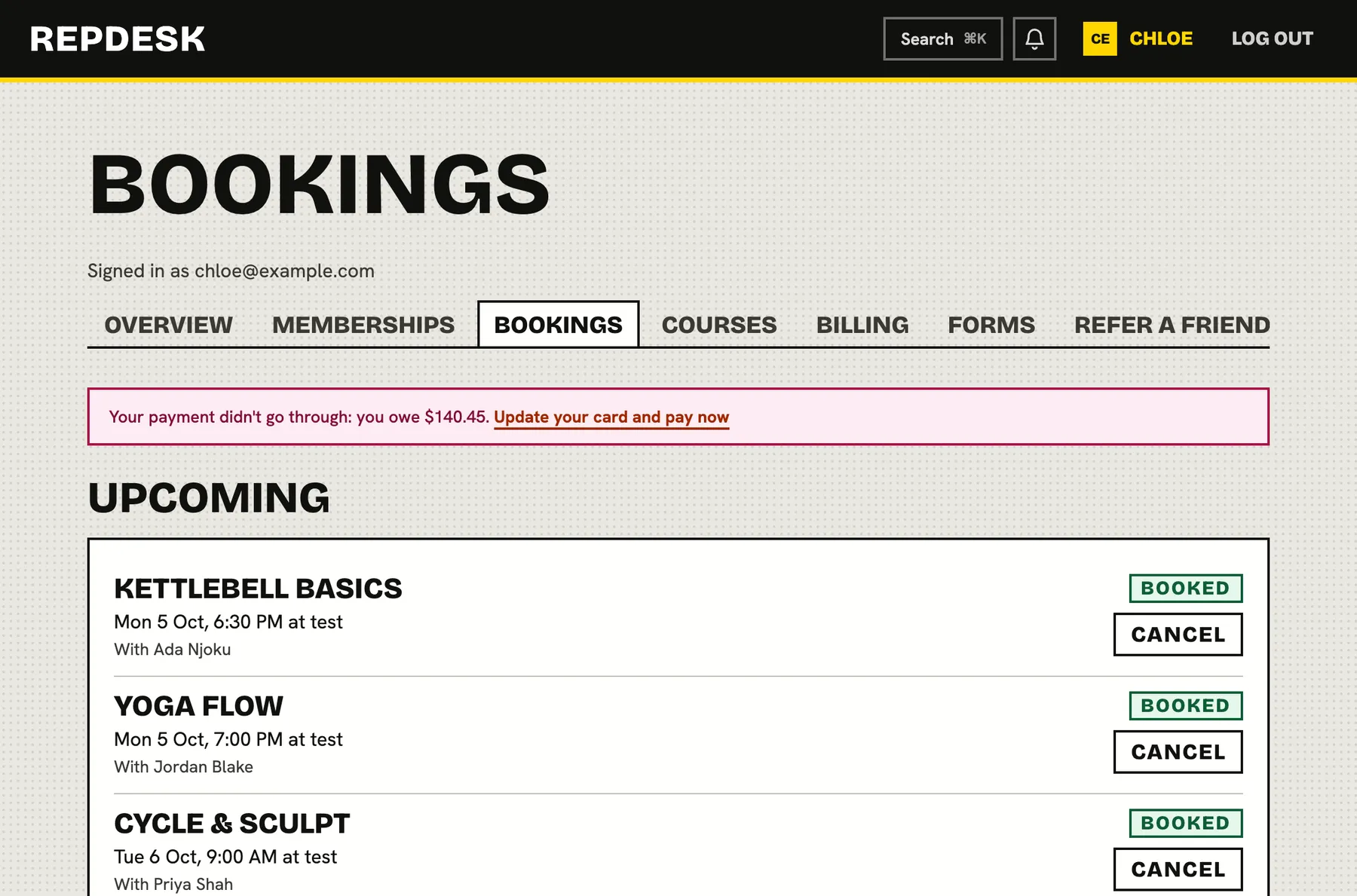
Members see upcoming and past classes and cancel in a tap. Before they confirm, the page says whether it is in good time and the visit is returned, or late and may carry a fee.
- Subscribe a calendar app to see bookings there
- A fresh calendar link any time, which stops the old one
- Class reminders before each session
Pause, cancel and billing, within your rules
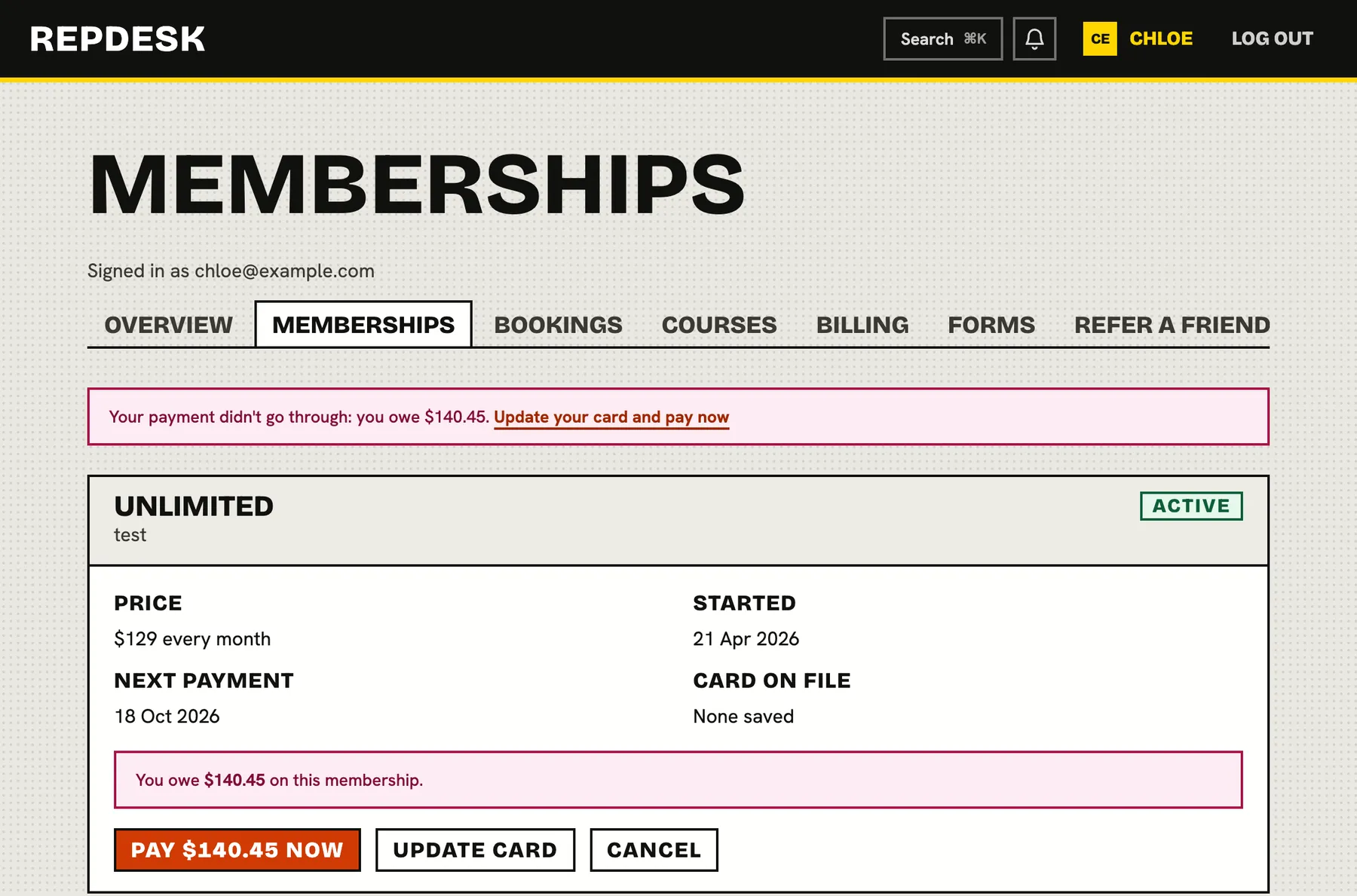
Your plan rules apply automatically: notice periods, pause lengths, how many pauses a year and any fees are shown before the member confirms. They can update their card, see what they owe, and download invoices and receipts.
- Pause with a start date, within the limits you set
- Cancel at the end of what they have paid for, or as soon as the plan allows
- Invoices, receipts and shop or gift card purchases in one place
- Update the card and pay what is owed in seconds
Forms, feedback and referrals, all in one app
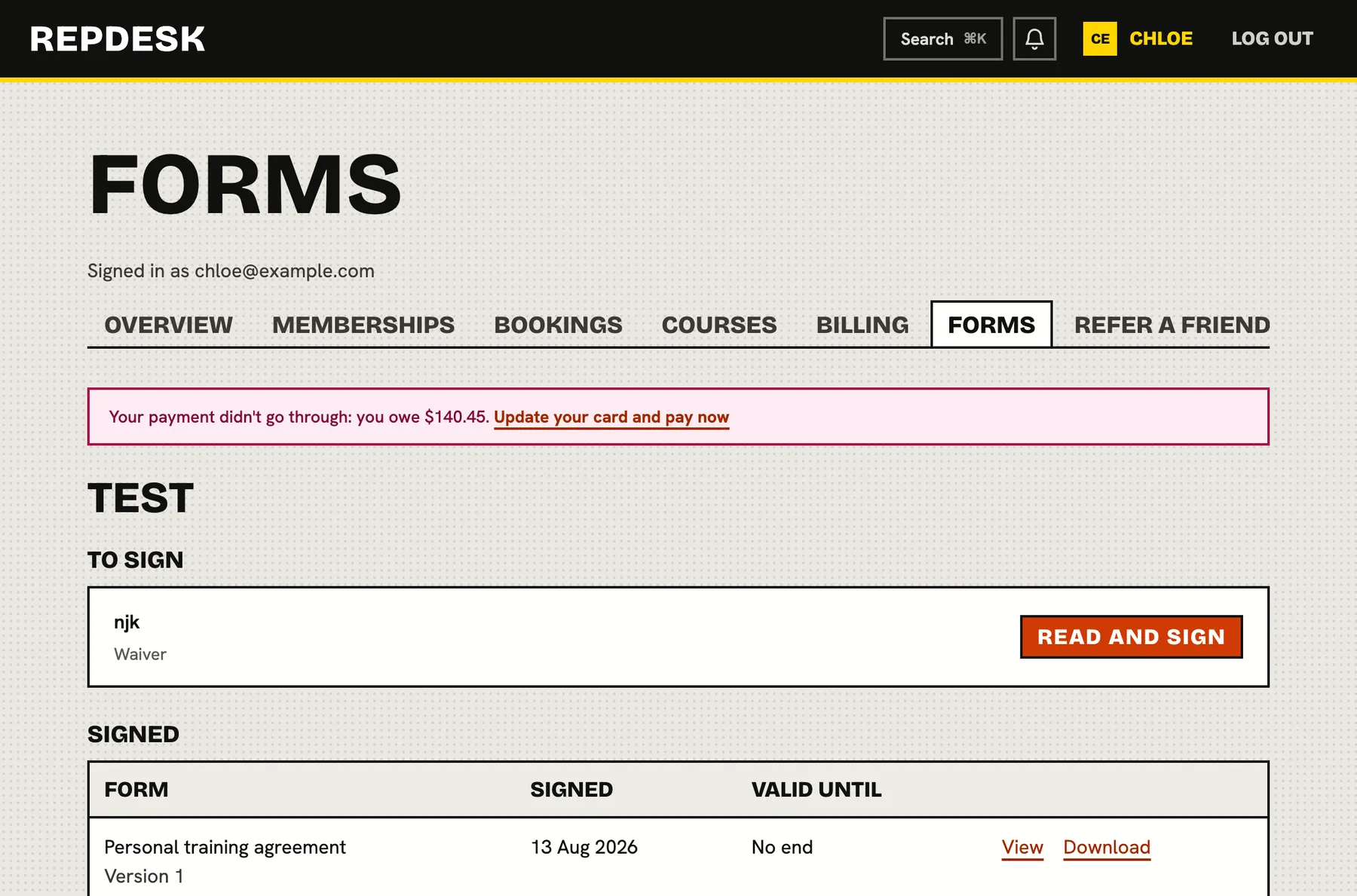
Waivers and forms to sign appear in a list, with signed copies to view or download. Members answer feedback requests, share their referral link and manage their details and notification preferences.
- Read and sign, sign again when one expires
- My feedback and your replies
- Personal referral link and code
- Delete my account, with clear wording about what is kept
A member joins and manages themselves
-
Join
They sign up on your studio page
Pick a plan, pay and sign what is needed.
-
First visit
They show their pass
A scan at the desk checks them in.
-
Along the way
They book and change plans
Pause, cancel or update a card from the portal.
-
Always
They find their paperwork
Receipts and signed forms are one tap away.
Works together with
Questions
Do members need to install anything?
No. The portal works in any browser and can be added to a phone's home screen.
Can staff see what members see?
Yes. The command palette has a shortcut to the customer portal, so staff can open it from the back office and see the member experience.
Can members cancel whenever they like?
They can request it, within the notice, pause and fee rules you set on each plan. Plans can also be set so members must ask at the front desk.
What happens to their data if they delete their account?
Their name, email and phone are removed. Studios keep their records of past visits and payments, without personal details.
Is it branded for my studio?
Members reach it from your studio pages, where they see your studio's name, plans and details.