Build the timetable once and let it run the week
Set a class to repeat and the system puts every date on the timetable ahead of time, takes the bookings, runs the waitlist and sends the reminders. You stop babysitting the calendar and go back to teaching.
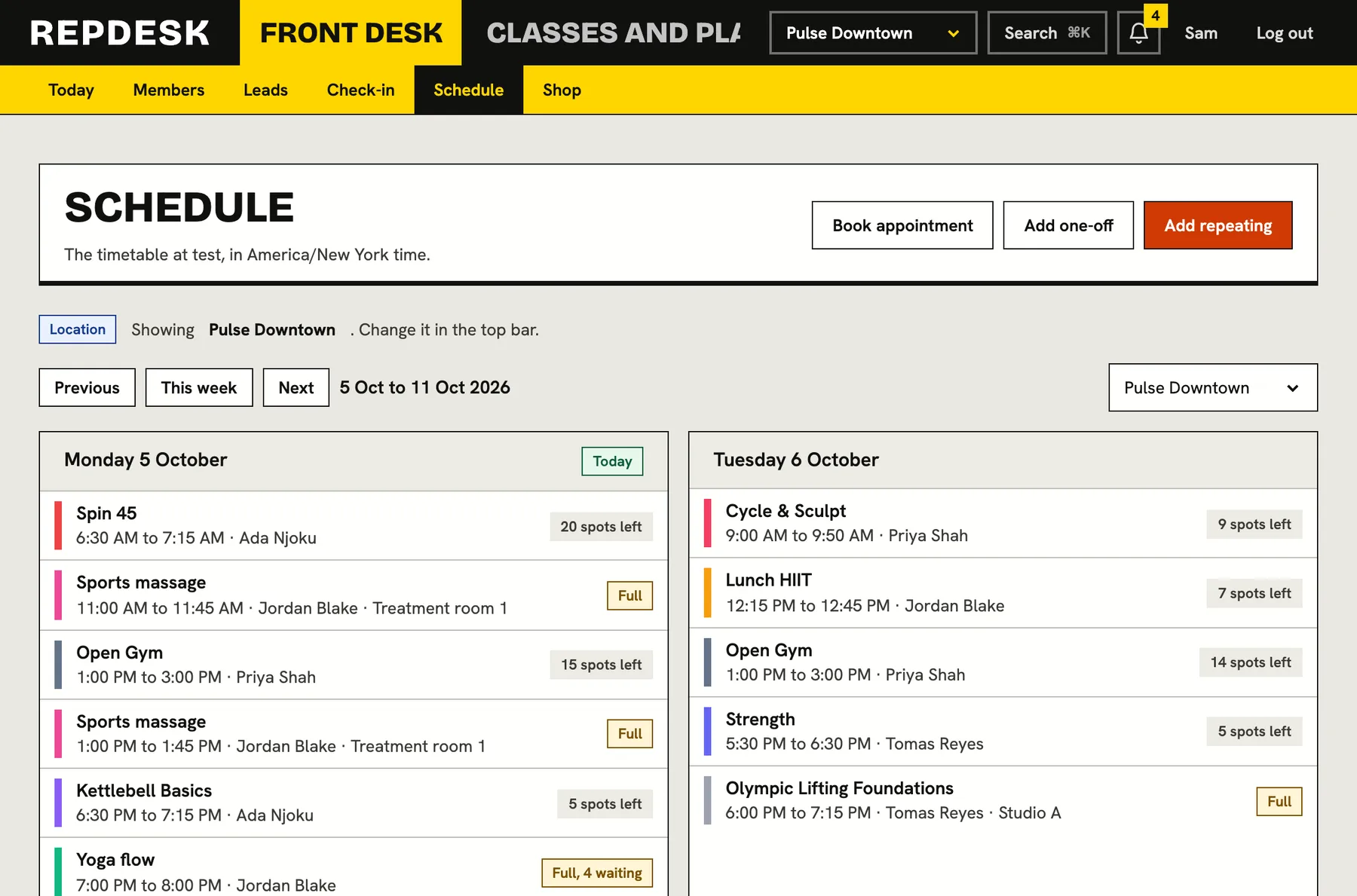
A timetable kept in someone's head, a spreadsheet and a group chat breaks the first time a class is full, cancelled or double booked.
Say it once and it repeats
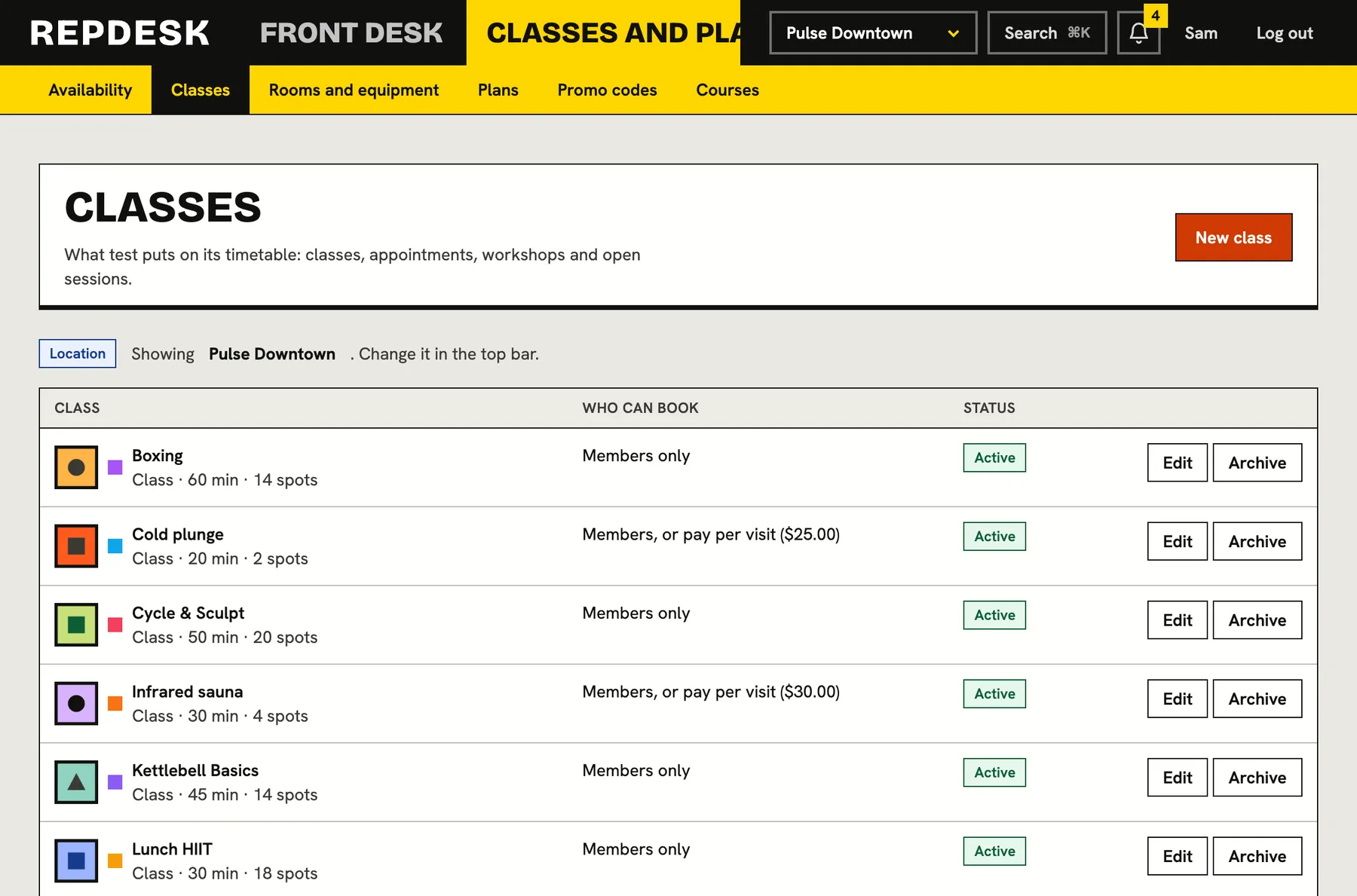
A class is a template: its length, capacity, who may book it and the rules around it. Put it on the timetable as a repeating rule, such as Tuesdays and Thursdays at 18:00, and real dated sessions appear weeks ahead. Times are kept in your own time zone, so 18:00 stays 18:00 when the clocks change.
- Repeating rules with a start date, an end date or no end at all
- One-off sessions for the odd Saturday workshop or cover class
- Change a single session without touching the rest of the series
- Classes, appointments, workshops and open gym time on one timetable
Rules that argue so you do not have to
Each class carries its own rules and the system applies them every time. Members see exactly what is allowed, and the front desk never has to be the bad guy. Staff can still book past the window when they need to.
- Booking opens a set number of days ahead and closes a set number of minutes before the start
- A cancellation cut-off that gives the visit back if you leave in time and spends it if you do not
- An optional late-cancel fee and no-show fee, raised as an invoice and collected like any other
- Nobody can be booked into two classes at the same time, or into a class that is full, finished or cancelled
A full class does not mean a lost booking
When a class is full, members join the waitlist. The moment a spot opens, whether someone cancelled or staff removed them, the first person in line is booked in and told. If their membership has run out by the time their turn comes, they are quietly taken off so they never block the people behind them.
- Waitlist on or off per class, with an optional limit
- Promotion is automatic, oldest first, and takes the visit from their membership
- A member who is moved up is told straight away
- Members paying for a single visit book a spot, since a card is charged at the moment of booking
The roster works the class for you
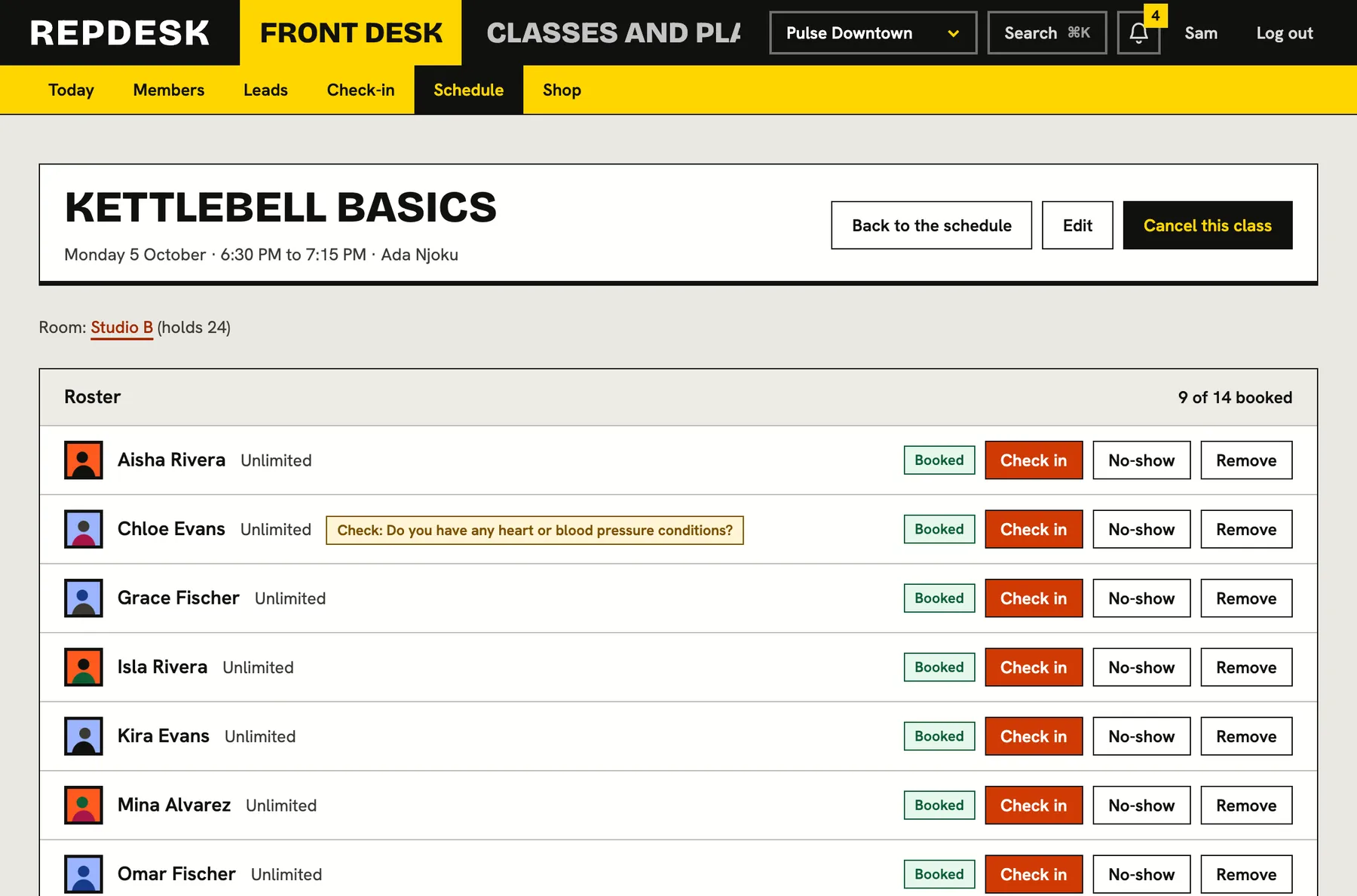
Open any session to see who is booked, who is waiting and who has arrived. Check people in, mark no-shows or remove someone with one click. When the session ends, anyone with a spot who was not checked in is marked as a no-show automatically, with the visit and any fee handled by the rules you set.
- Check in, no-show and remove buttons right on the roster
- Health answers flagged on a waiver show as a small badge, so instructors know before class
- Waive a fee for one person in one click
- Cancel a whole session and everyone booked is released, refunded and told
What happens when a member cancels a full class
-
Moment 1
The spot is given back
If they cancelled before the cut-off, their visit returns to their membership and a single visit is refunded. After the cut-off, the visit is spent and any late-cancel fee is raised.
-
Moment 2
The waitlist moves up
The first person waiting is booked in, oldest first, and the visit is taken from their membership.
-
Moment 3
They are told
A notification tells them a spot opened and that they are booked, so they can rearrange their day.
-
Day before
Everyone gets a reminder
Members booked into the class are reminded about a day ahead, once.
Works together with
Questions
Can members book from their phone?
Yes. Your studio page has a timetable and members book from their portal, which also holds their pass and their bookings. Members can subscribe their calendar app to a private link so every booking appears there.
What if I need to cancel a class?
Cancel the session and everyone booked is cancelled with it. Their visits are given back, single visits are refunded, no fees are charged because you cancelled, and they are told.
Can a class be limited to certain plans or locations?
Yes. A class can be restricted to chosen membership plans and to chosen locations, and it can allow members only, members plus single paid visits, or open booking.
Do I rebuild my timetable when I switch?
You set up each class once and add its repeating rule. After that the sessions generate themselves, and your members can be imported from a spreadsheet so they are ready to book.
Can I run classes and one-to-one sessions together?
Yes. Group classes, appointments, workshops and open gym time share one timetable and one member record.